
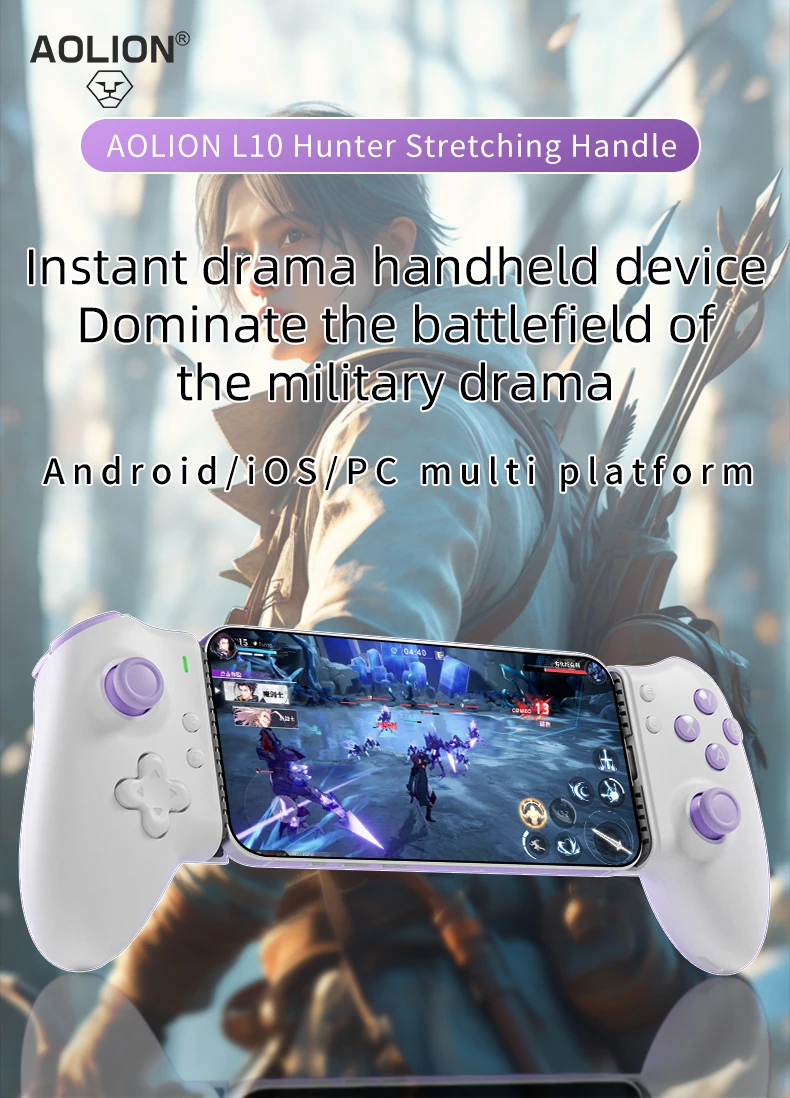
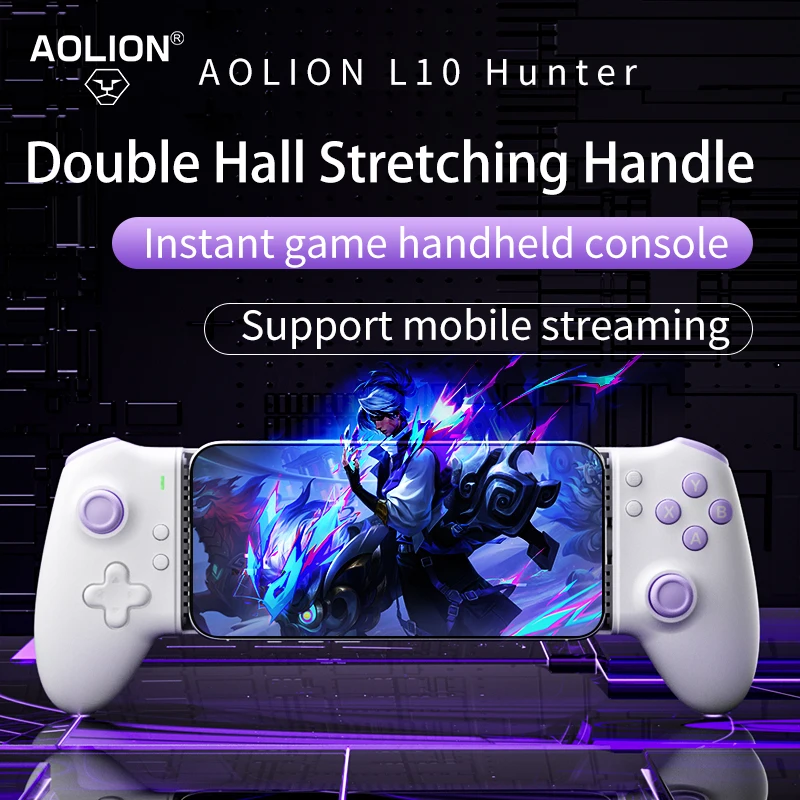
AOLION L10 Mobile Phone Gamepad Hall Effect Game Controller for iPhone 15 Android Cellphone Cloud Gaming Xbox Game Pass STADIA


AOLION L10 Mobile Phone Gamepad Hall Effect Game Controller for iPhone 15 Android Cellphone Cloud Gaming Xbox Game Pass STADIA
SPECIFICATIONS
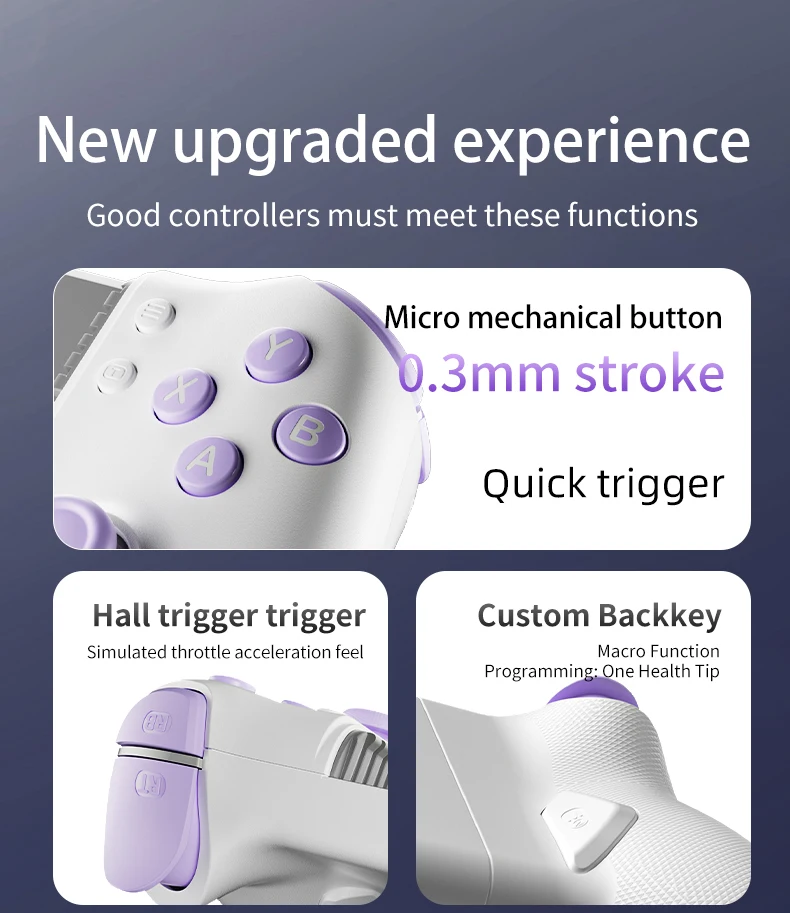
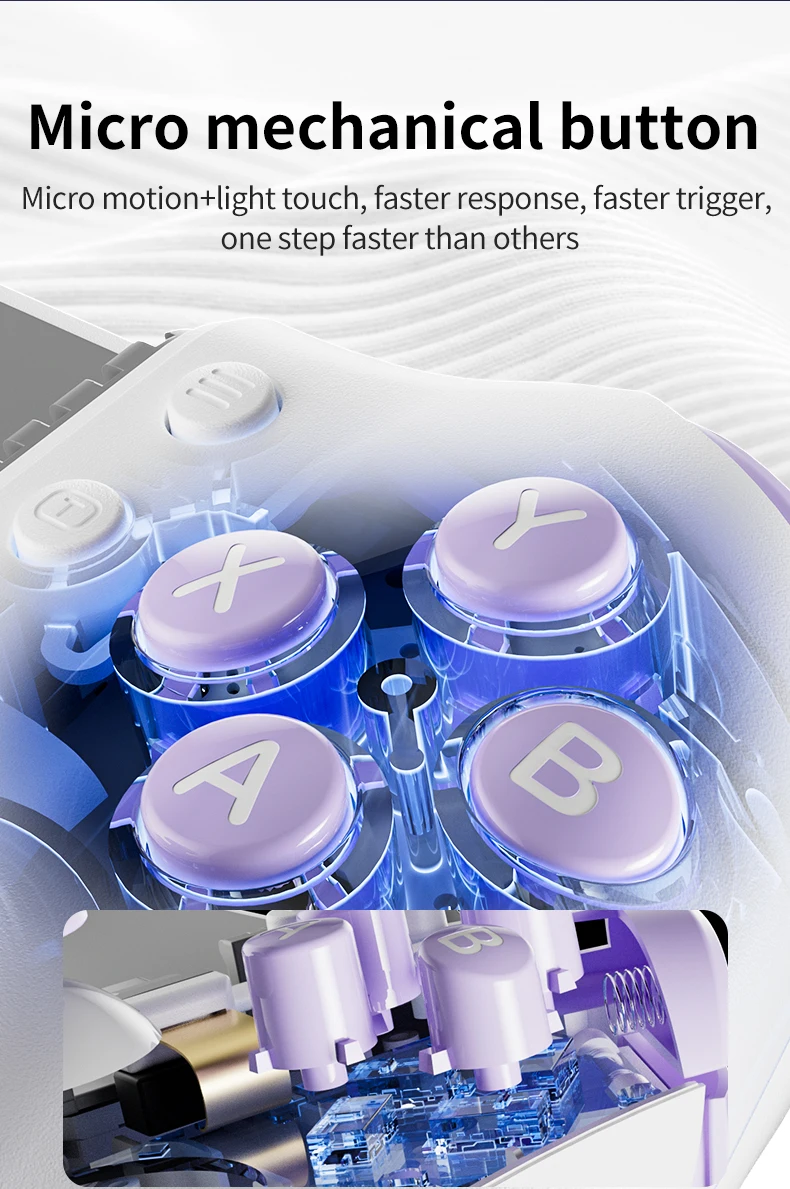
ABXY Switch Type: MICRO SWITCH
Battery Included: Yes
Brand Name: aolion
Choice: yes
Compatible Brand/Model: PC
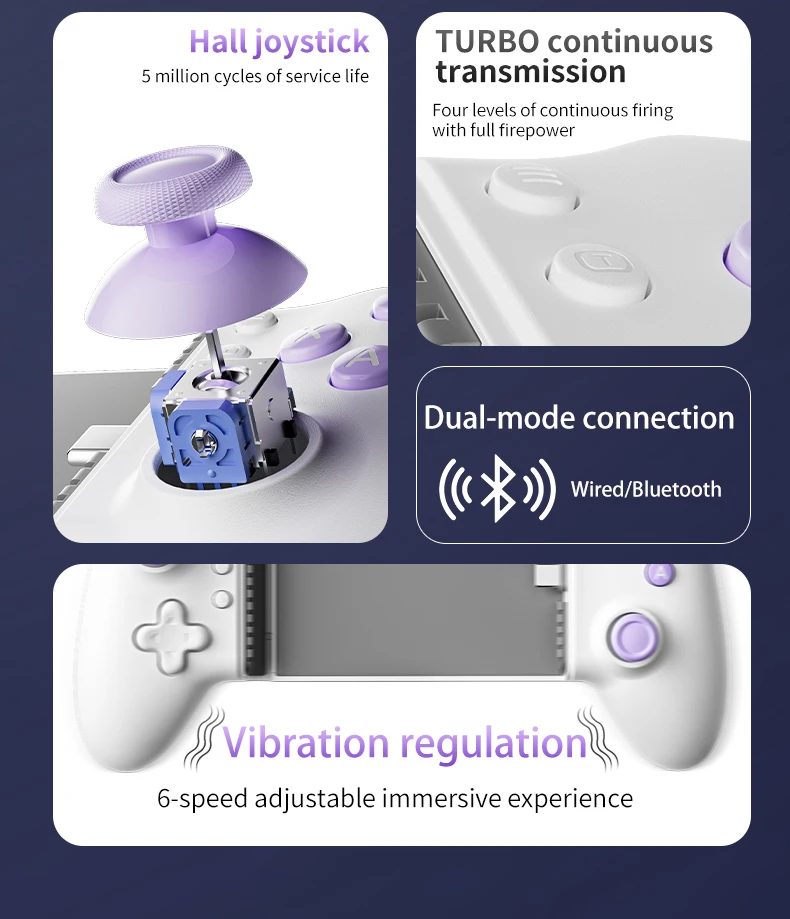
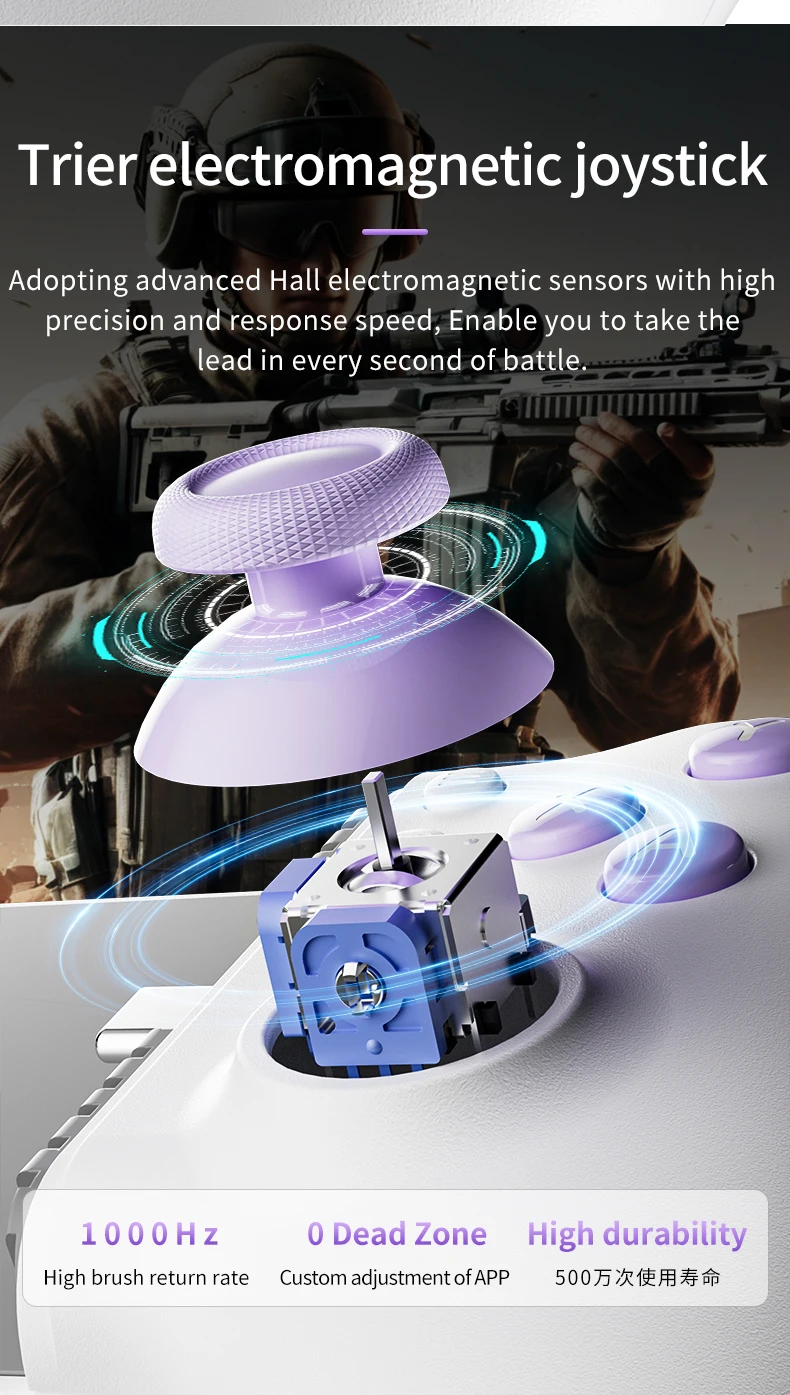
Hall Effect: Yes
High-concerned chemical: None
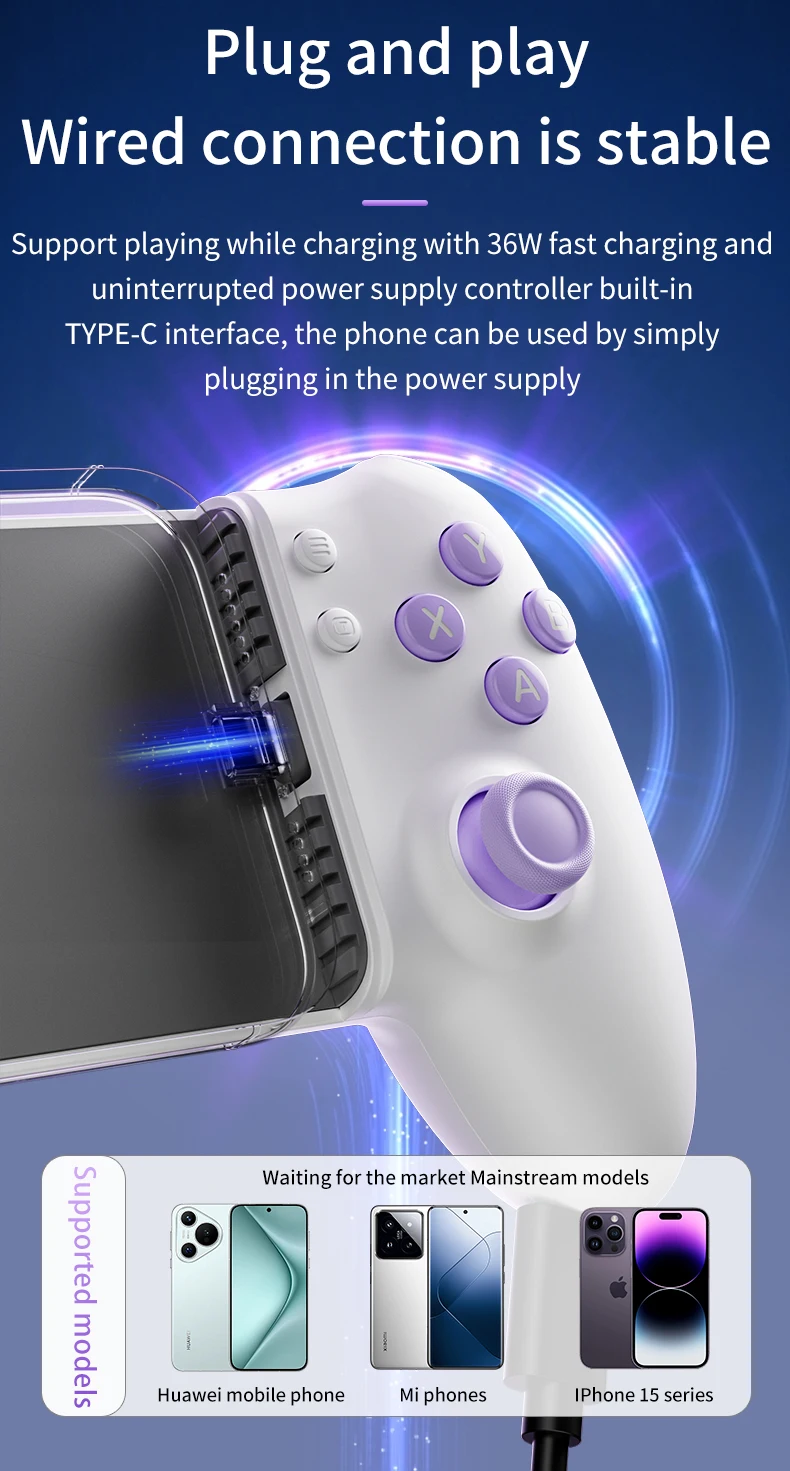
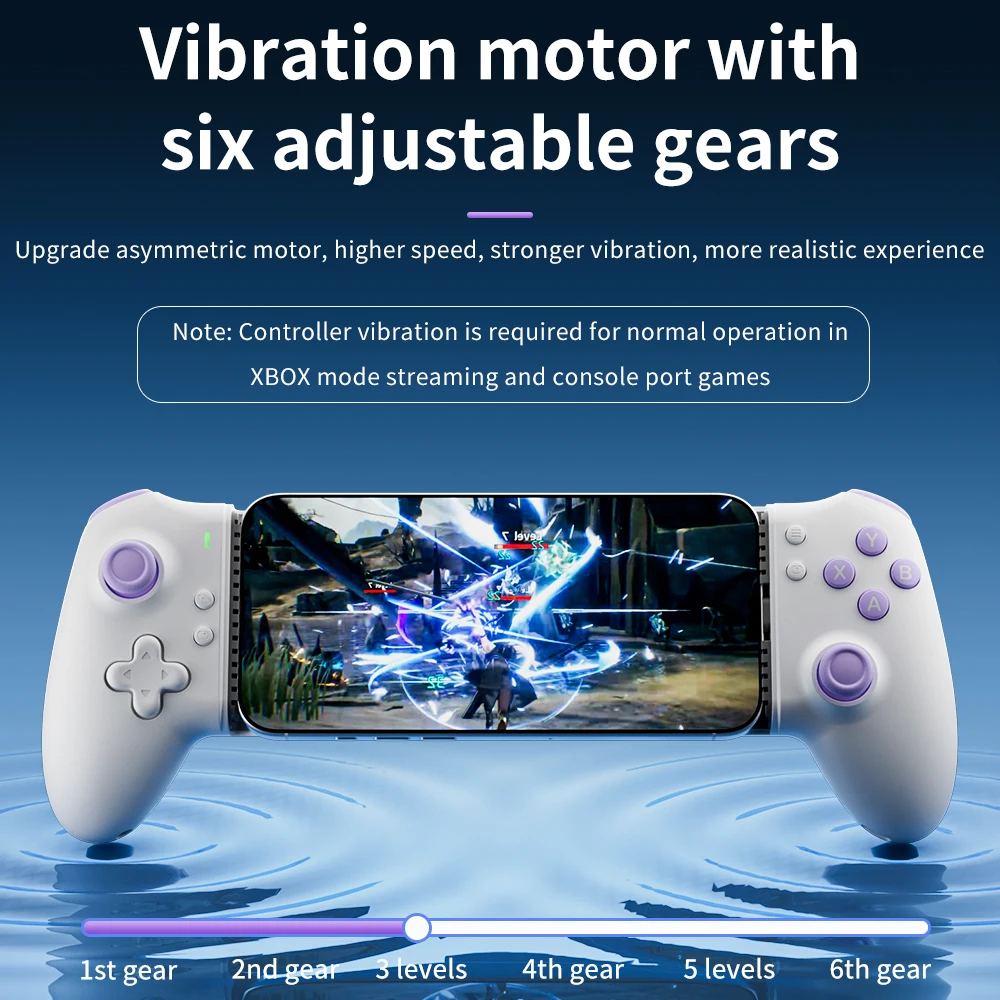
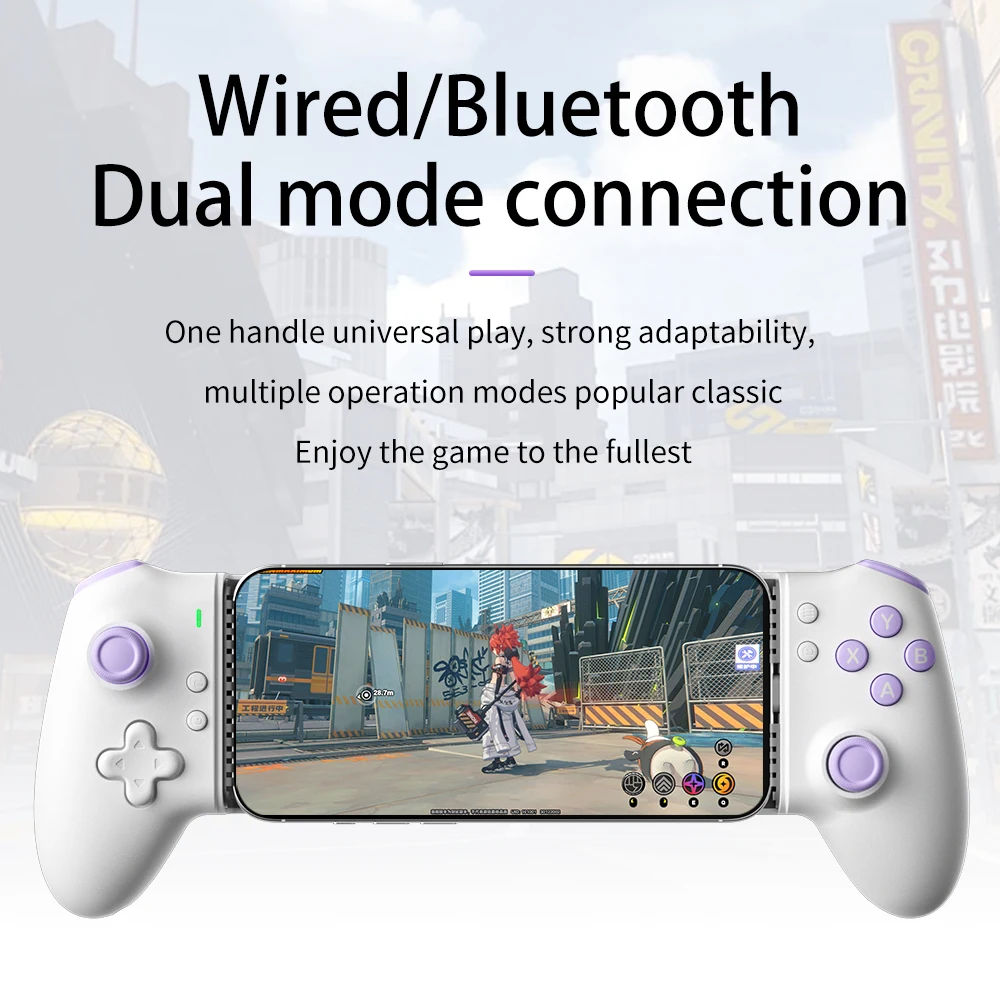
Interface Type: USB,Bluetooth
Joystick Sensor Module Brand/Type: K-SLIVER
Model Number: AL-L10
Origin: Mainland China
PC System: Windows 11
Package: Yes
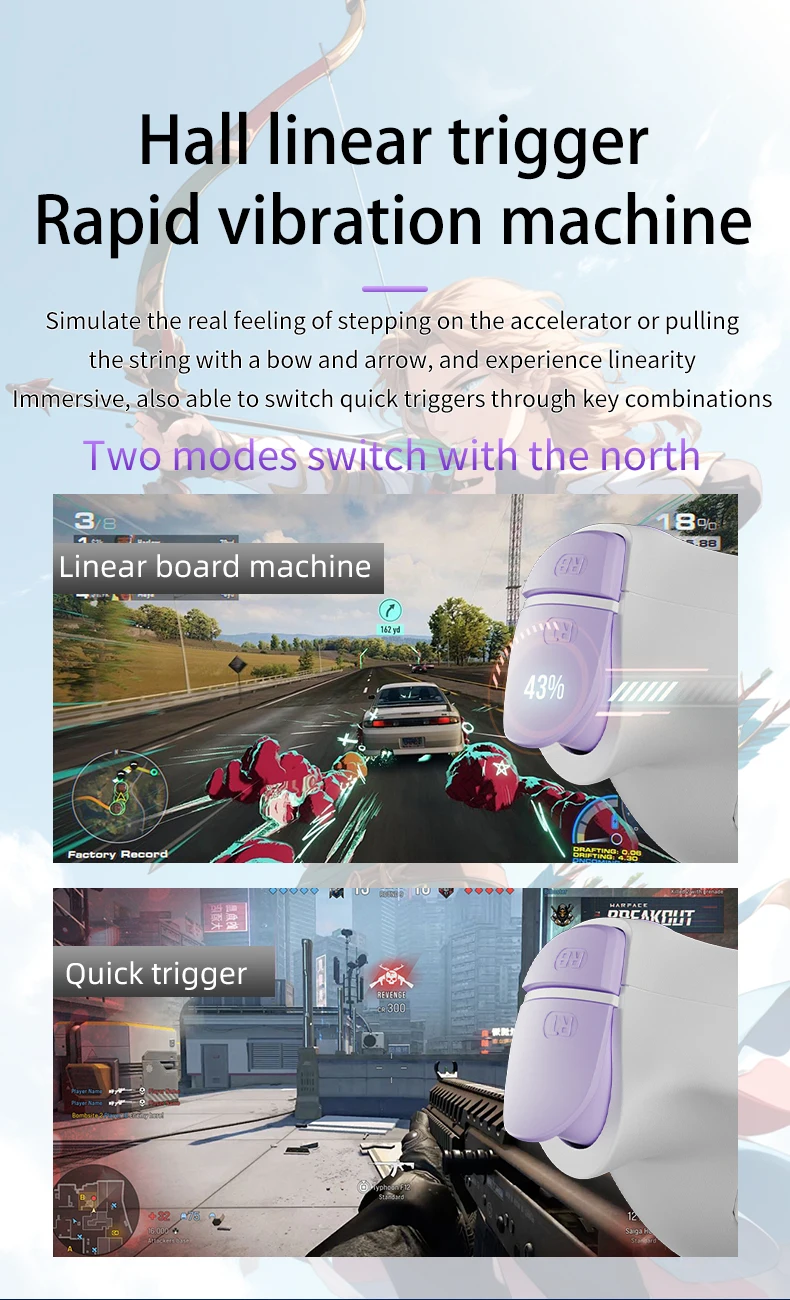
Trigger Button Type: Hall-Linear
Type: Gamepads
Use in conjunction with the app
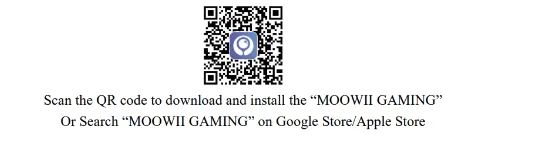
Android device usage
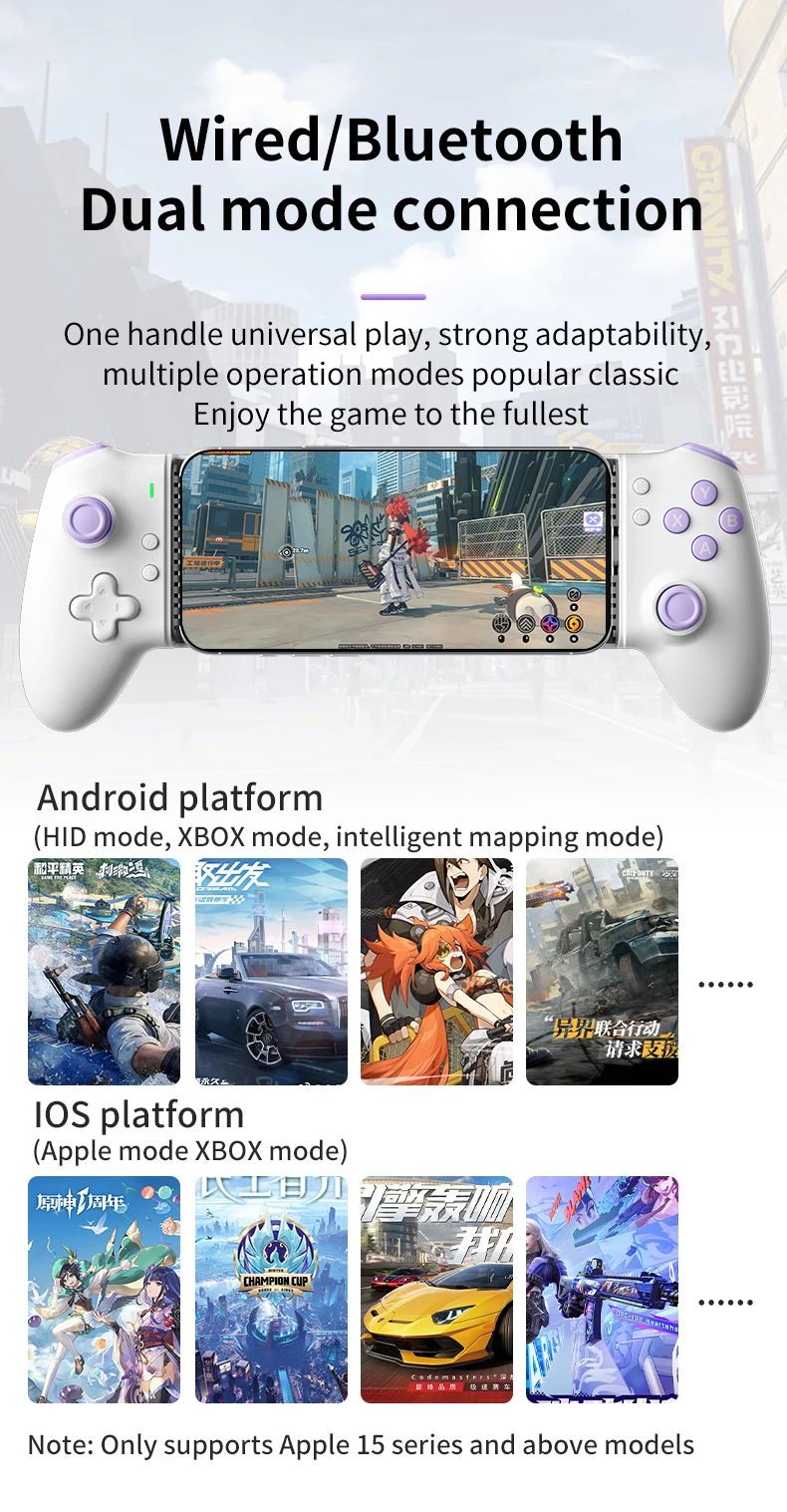
1. After the controller is successfully connected to the device, press [FN]+[A] to enter wired HID mode, and the yellow indicator light will be on
2. After the controller is successfully connected to the device, press [FN]+[X] to enter wired XBOX mode, and the indicator light will turn white
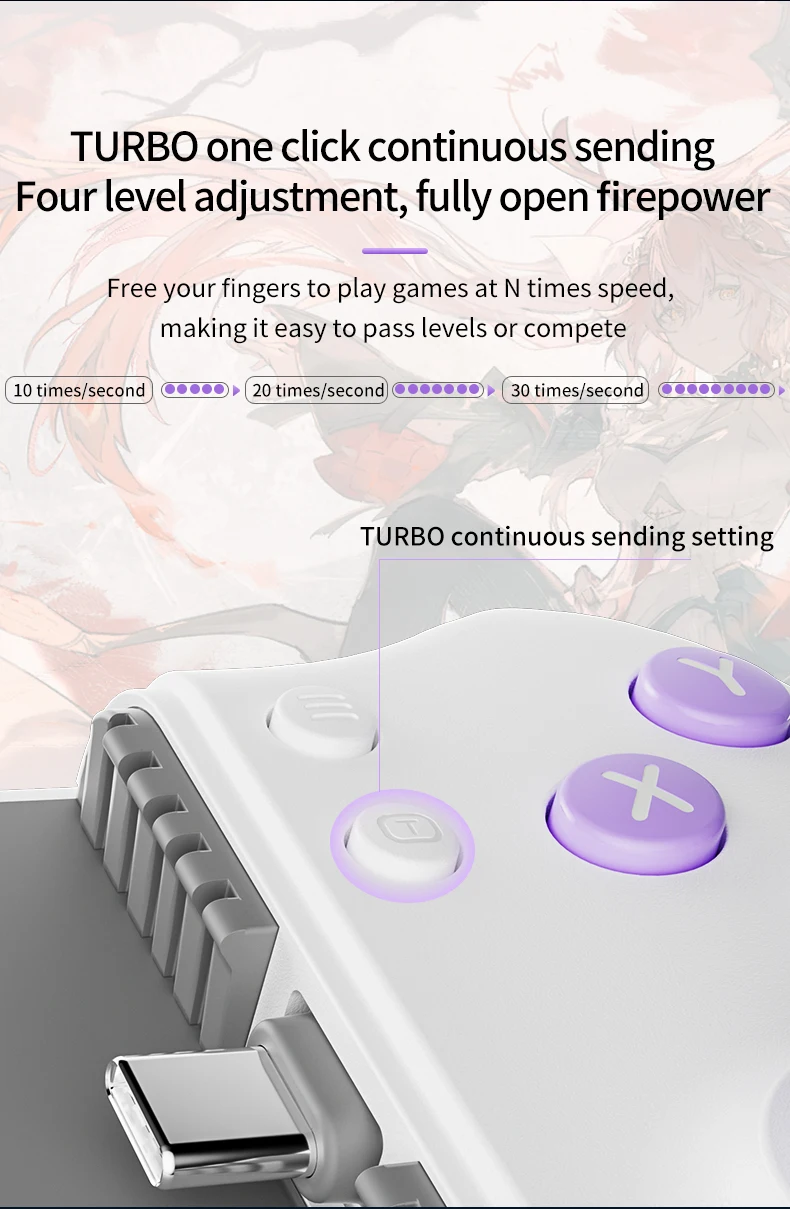
3. After the controller is successfully connected to the device, press [FN]+[T] to enter Bluetooth XBOX mode, and the purple indicator light will turn on
4. After the controller is successfully connected to the device, press [FN]+[Y] to enter wired mapping mode, and the blue indicator light will be on
5. After the controller is successfully connected to the device, press [FN]+[=] to enter Bluetooth mapping mode, and the red indicator light will turn on
Apple device usage
1. After the controller is successfully connected to the device, press [FN]+[B] to enter wired Apple mode, and the indicator light will turn green
2. After the controller is successfully connected to the device, press [FN]+[T] to enter Bluetooth XBOX mode, and the purple indicator light will turn on

Details
This product is crafted with quality materials to ensure durability and performance. Designed with your convenience in mind, it seamlessly fits into your everyday life.
Shipping & Returns
We strive to process and ship all orders in a timely manner, working diligently to ensure that your items are on their way to you as soon as possible.
We are committed to ensuring a positive shopping experience for all our customers. If for any reason you wish to return an item, we invite you to reach out to our team for assistance, and we will evaluate every return request with care and consideration.
Shop The Full Collection


