
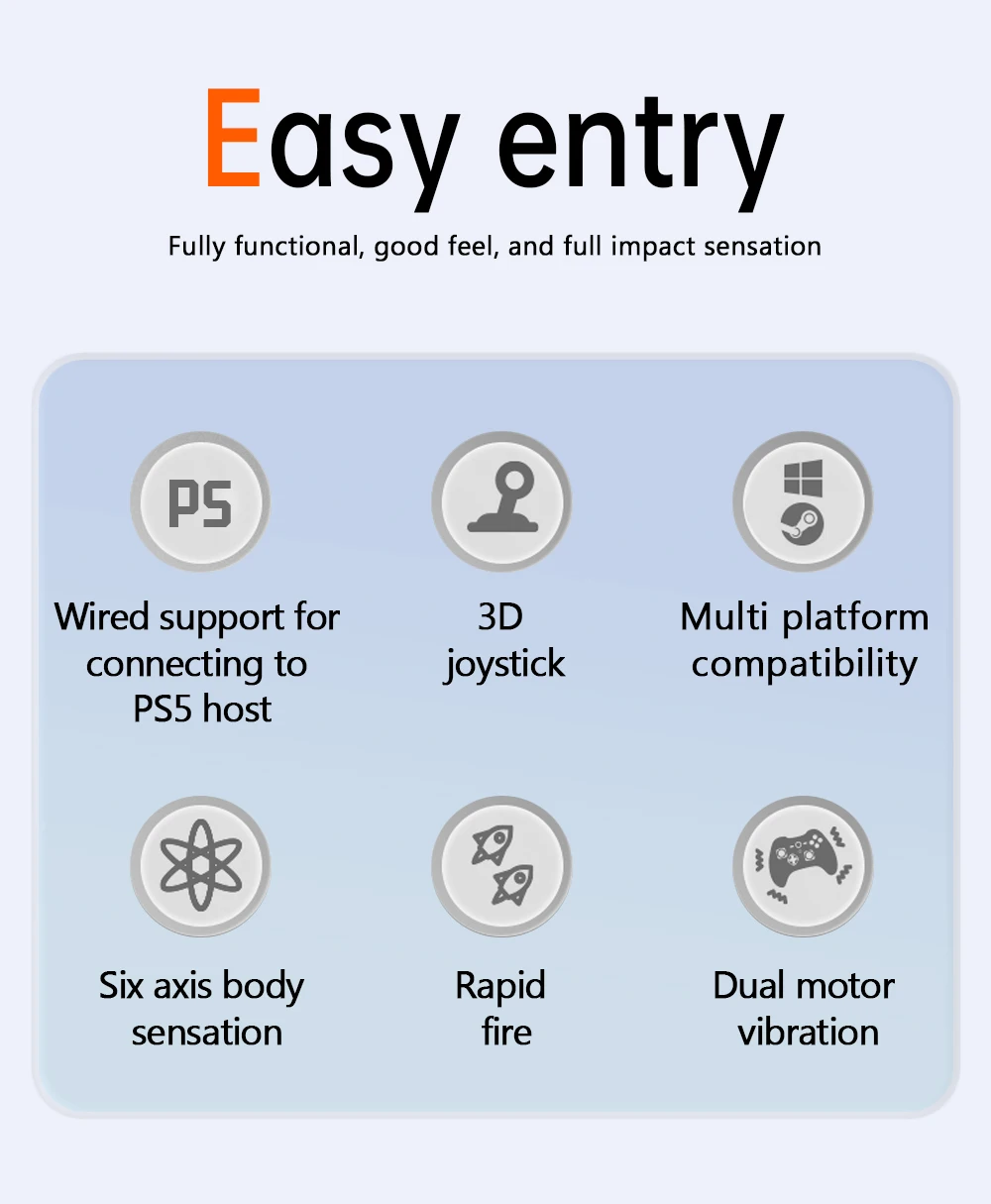
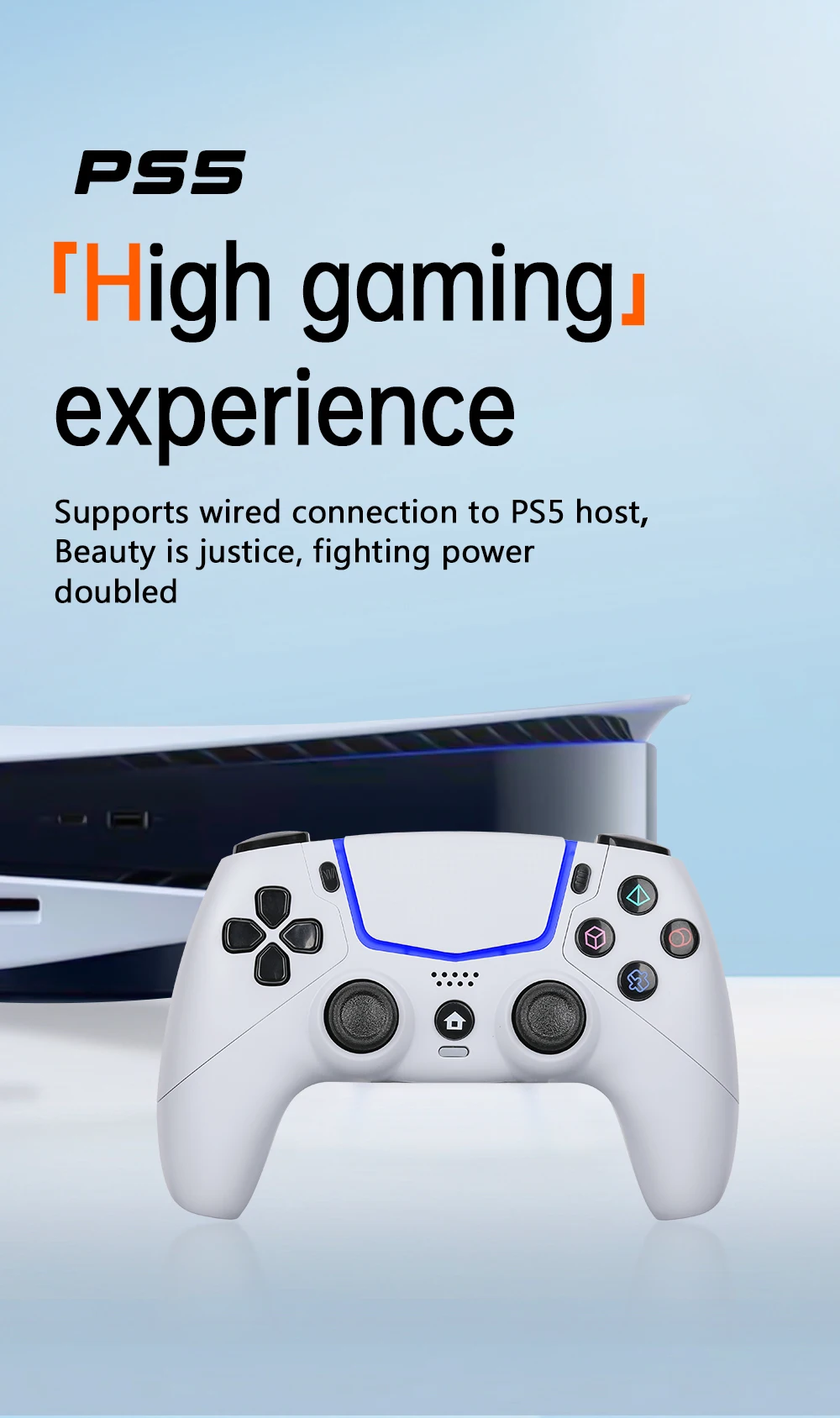
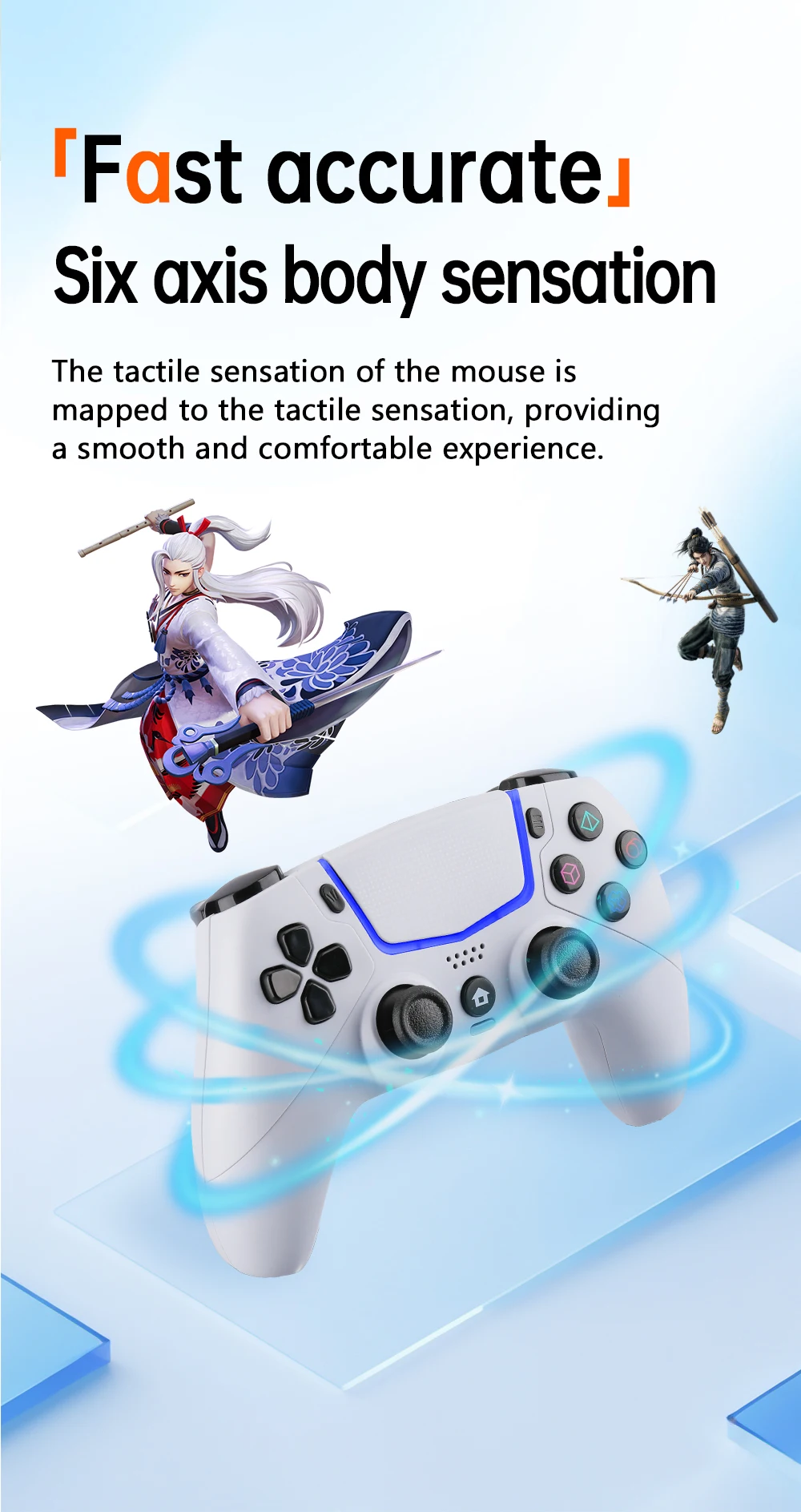
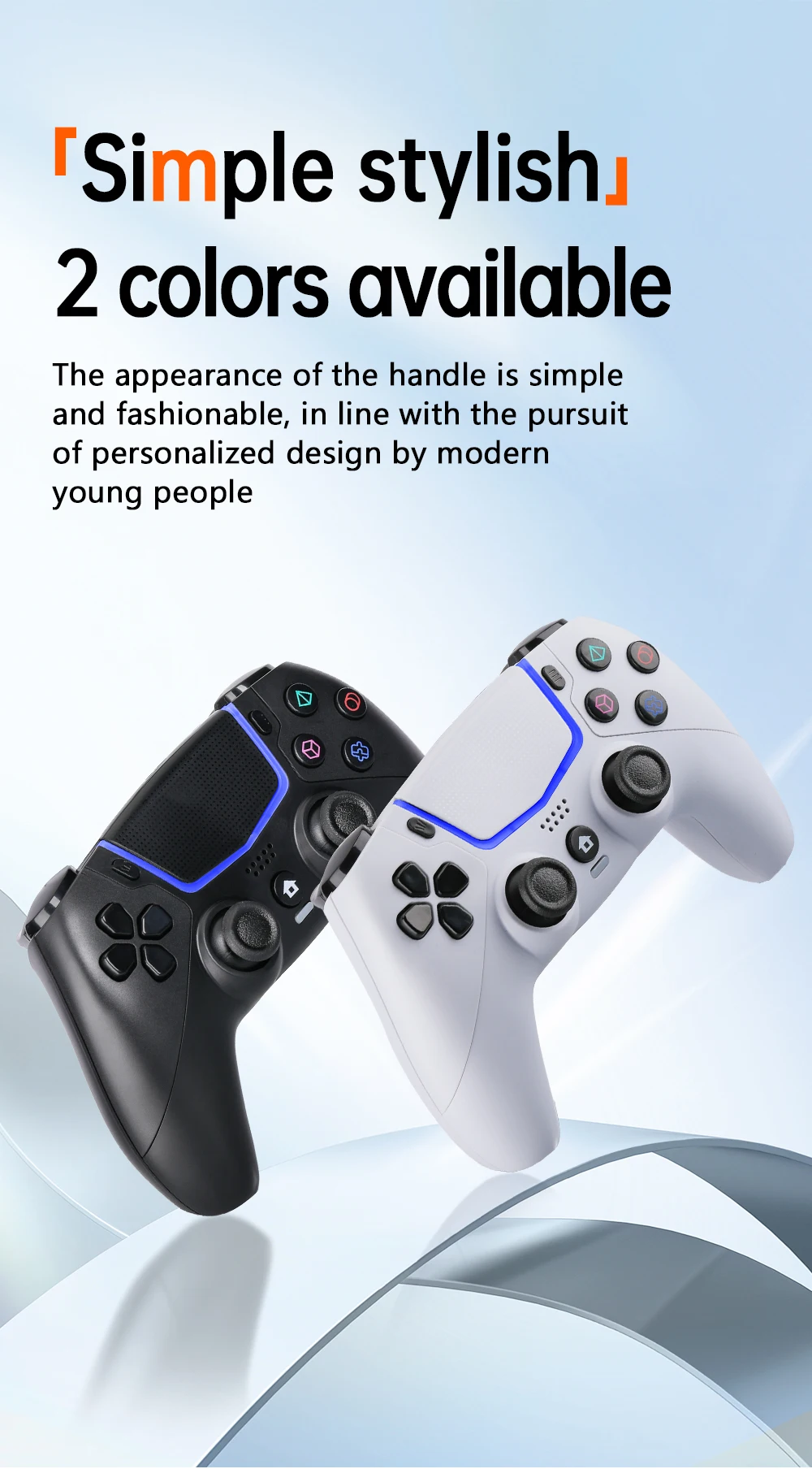
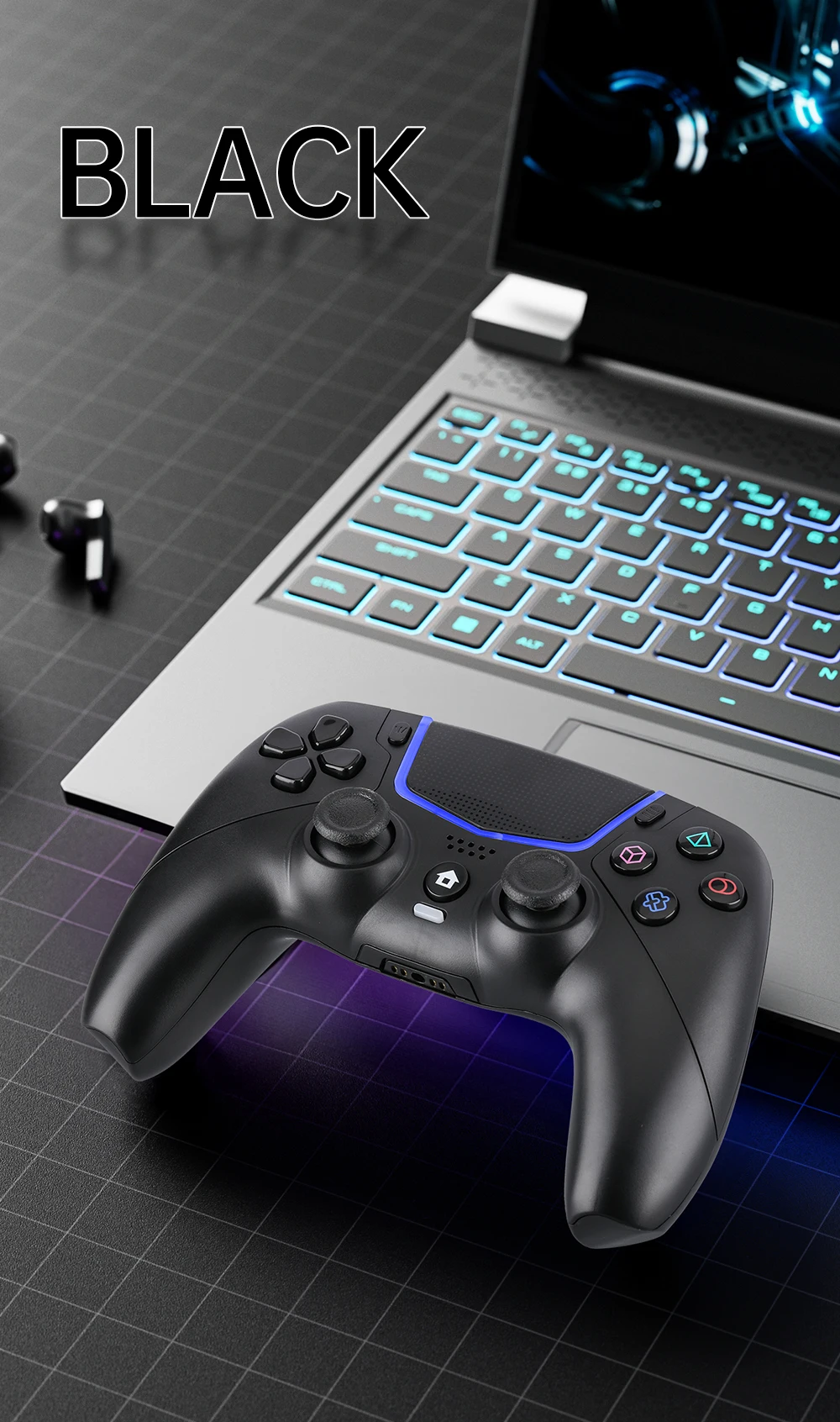
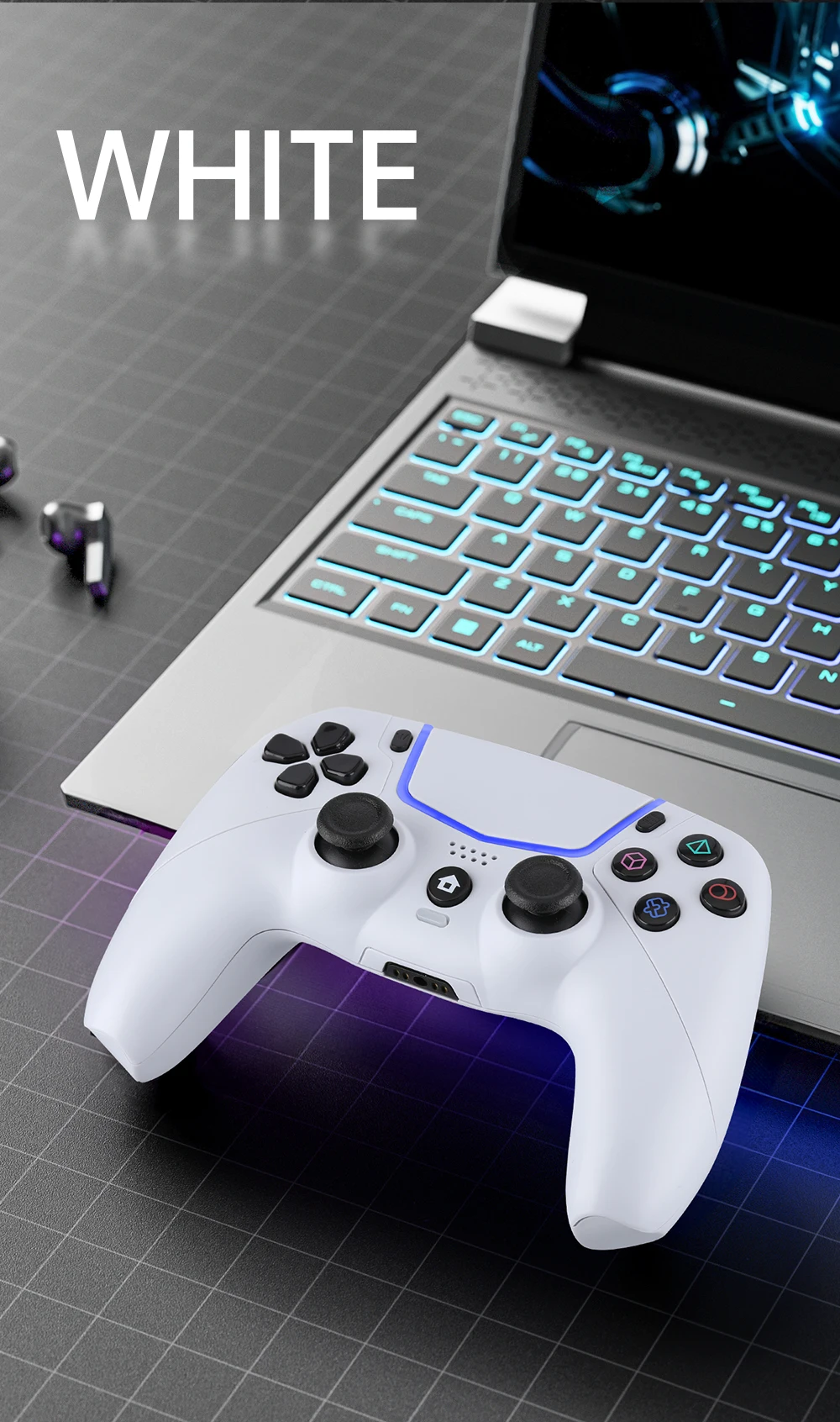
P5 wired game controller supports six axis motion sensing, suitable for P5 console, wired support for computer PC


P5 wired game controller supports six axis motion sensing, suitable for P5 console, wired support for computer PC
SPECIFICATIONS
ABXY Switch Type: Membrane
Battery Included: Yes
Brand Name: DIXSG
Bumpers Switch Type: Membrane
Certification: CE,RoHS
Choice: yes
Compatible Brand/Model: Sony
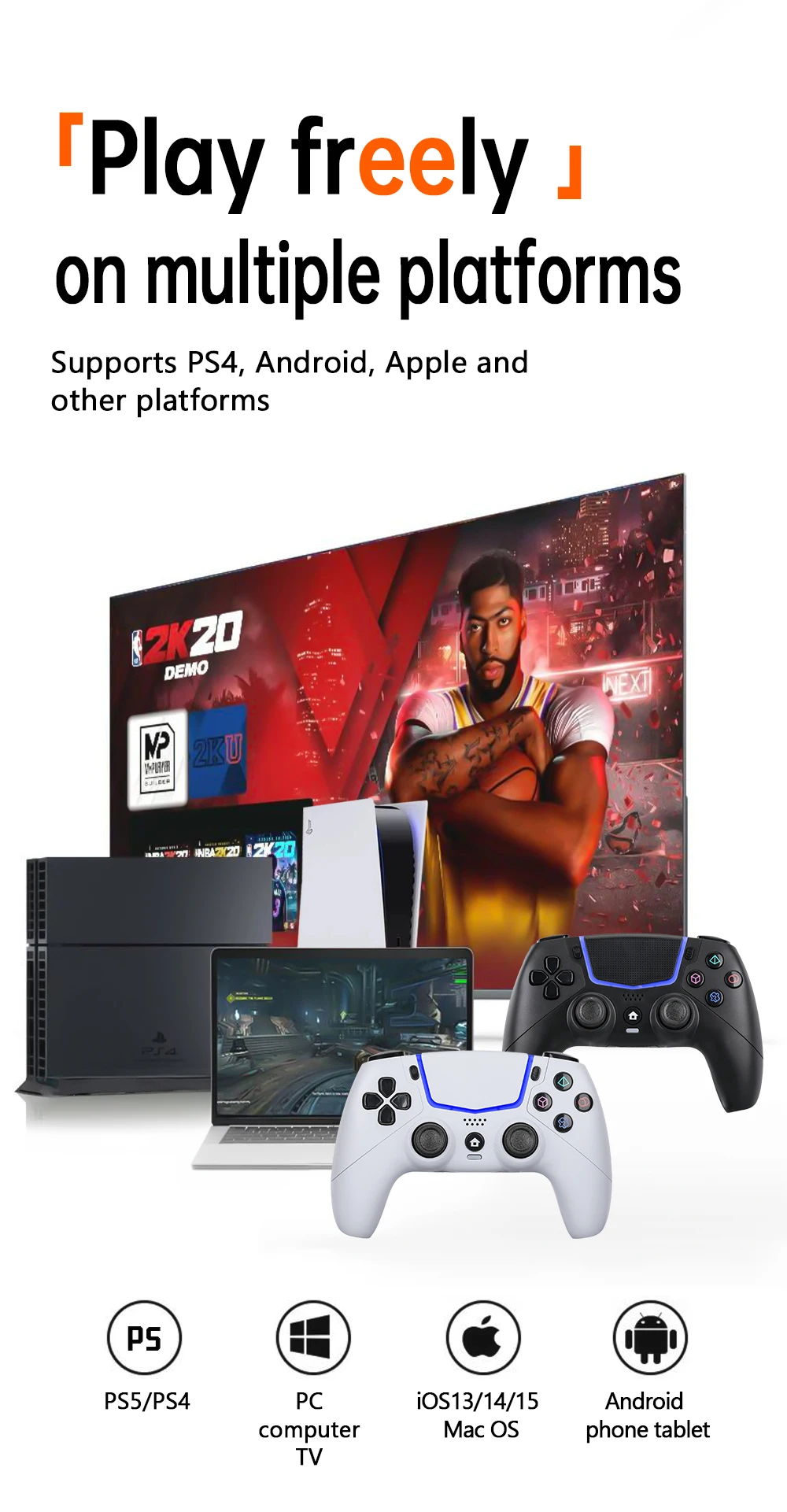
Compatible Platform: PC
Compatible Sony Model: PS5 Slim,PS5
D-pad Switch Type: Membrane
Hall Effect: No
High-concerned chemical: None
Joystick Sensor Module Brand/Type: K-SLIVER
Model Number: KP5
Origin: Mainland China
Package: Yes
RGB lighting joysticks: No
Trigger Button Type: Non-Linear
Type: Gamepads
Wear-resistant joysticks: No
Product introduction
1..This product is designed for use with the P-5 Console.
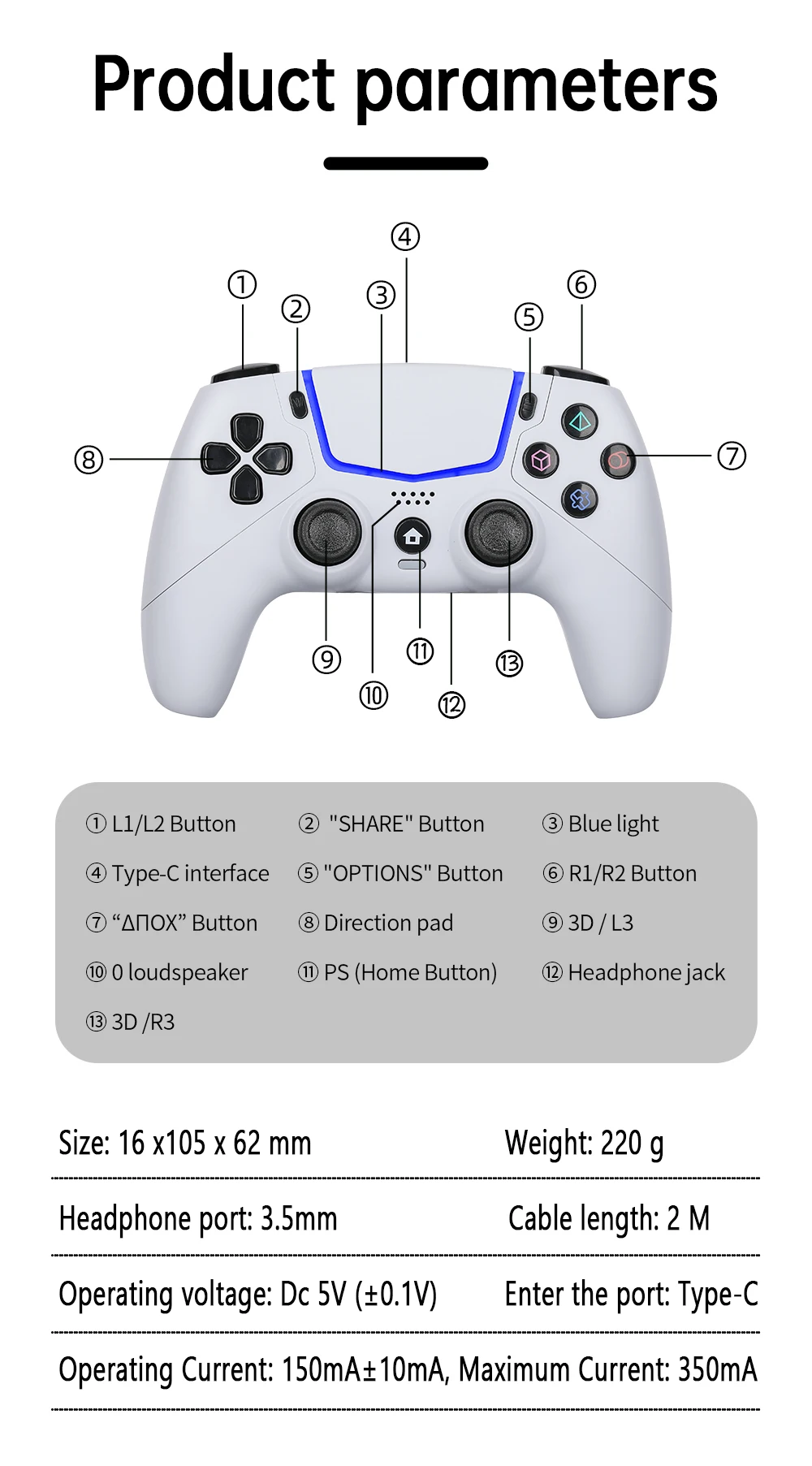
2. Use a Type-C to USB cable to connect with the Console for a wired connection.
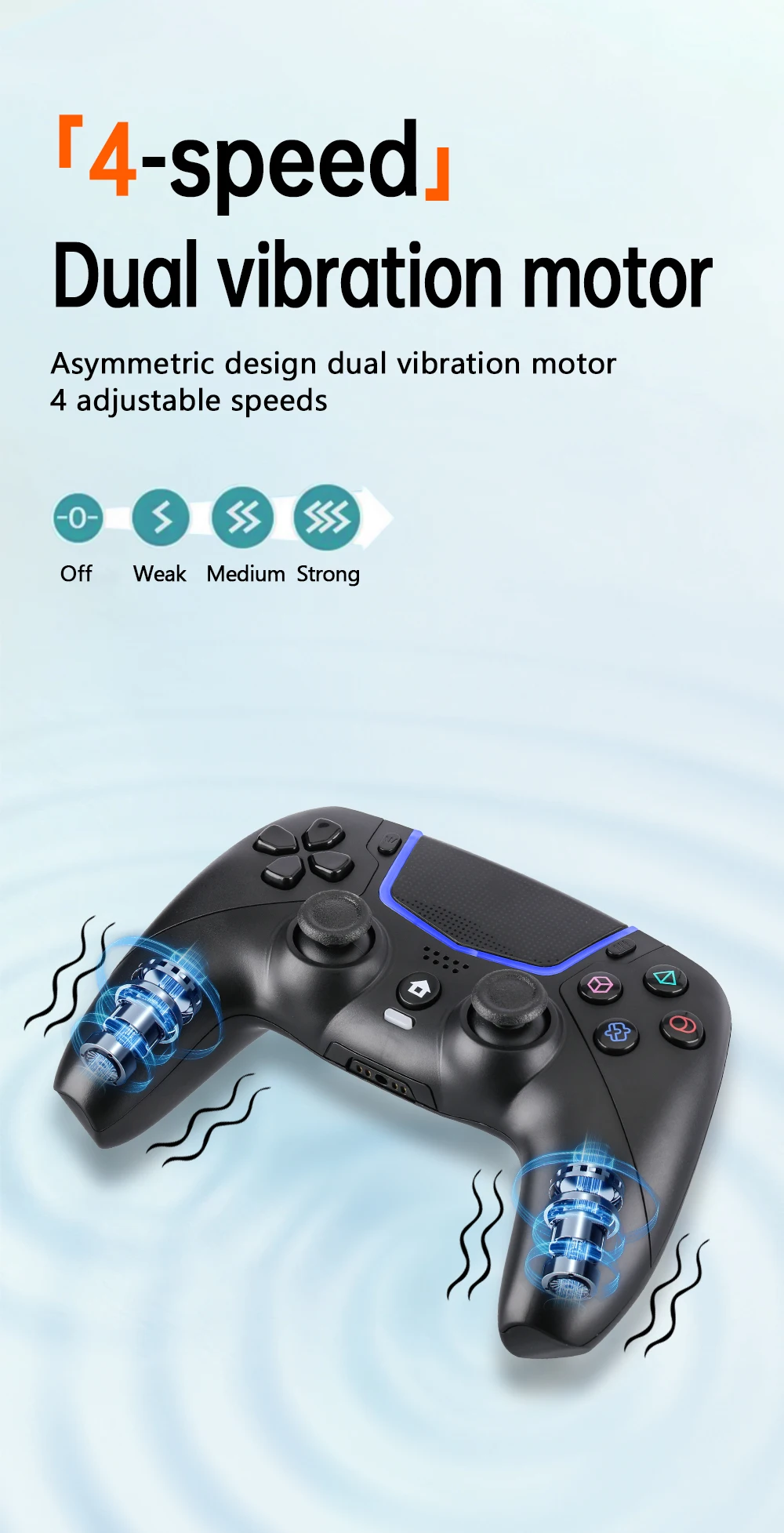
3. This product supports vibration feedback, motion control, sound amplifier,connection toheadphones/headsets and other functions.
Directions for use
Connect with the P.5 Console
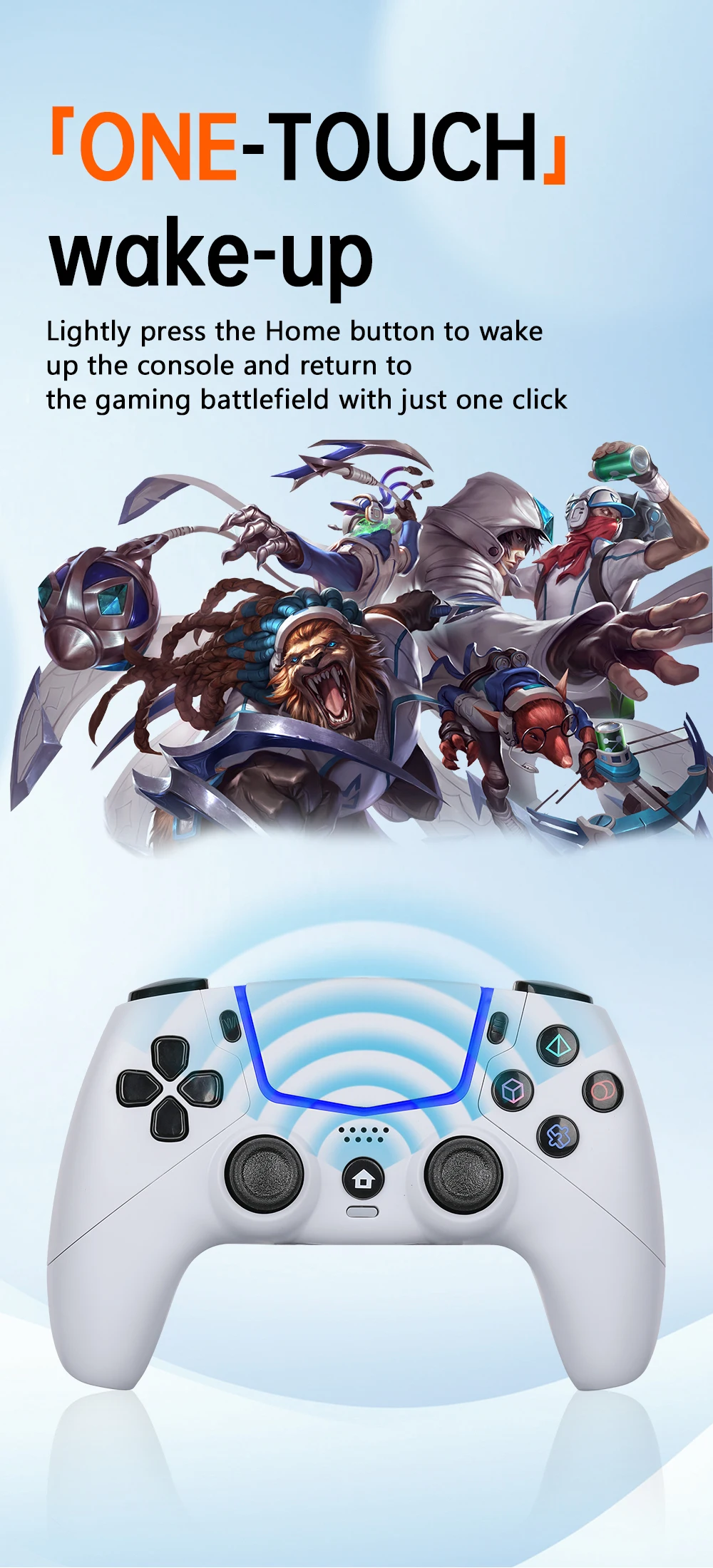
Plug the USB port of the P-5 console into the USB port of the P-5 console using the uSB headof the Tyep-C to USB cable. Make sure the console is powered on, then press the home buttonand the channel light flashes quickly to indicate a successful connection.
The default controller connection mode of the console is wireless connection, in order to avoidthe controller being disconnected due to setting errors. You need to use USB connection in"Settings" -"Device Settings" -"Controller" -"Connection Method"
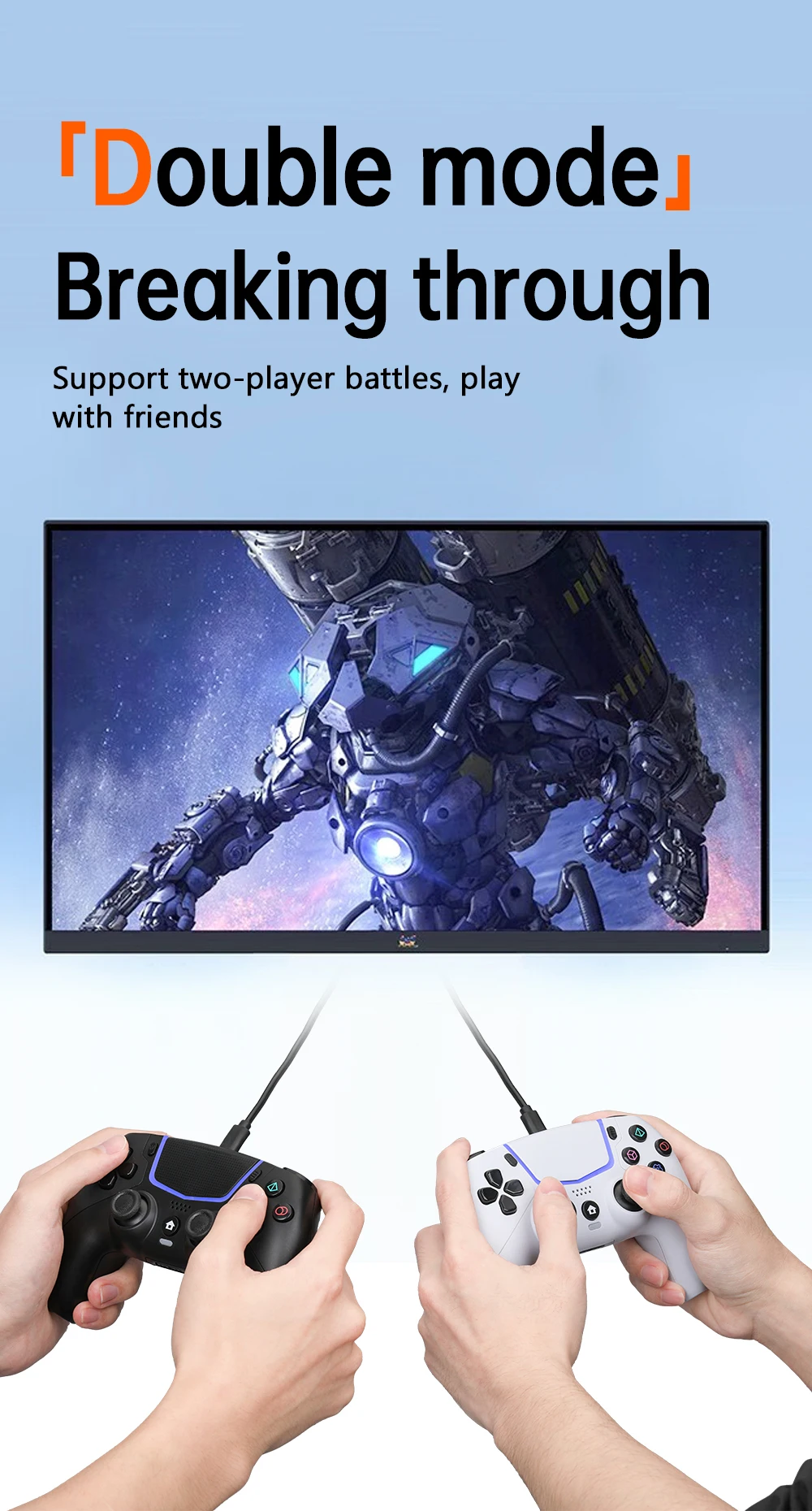
Note: lf you need to use two controllers at the same time, please use the USB ports on the frontand rear of the console unit. lf you use the front or rear USB port at the same time, there will bea controller and the headset will function abnormally.
Connect with PC
Plug the USB port of your Pc into your PC's uSB port using the Tyep-C to usB cable.
Plug it inand you're ready to go.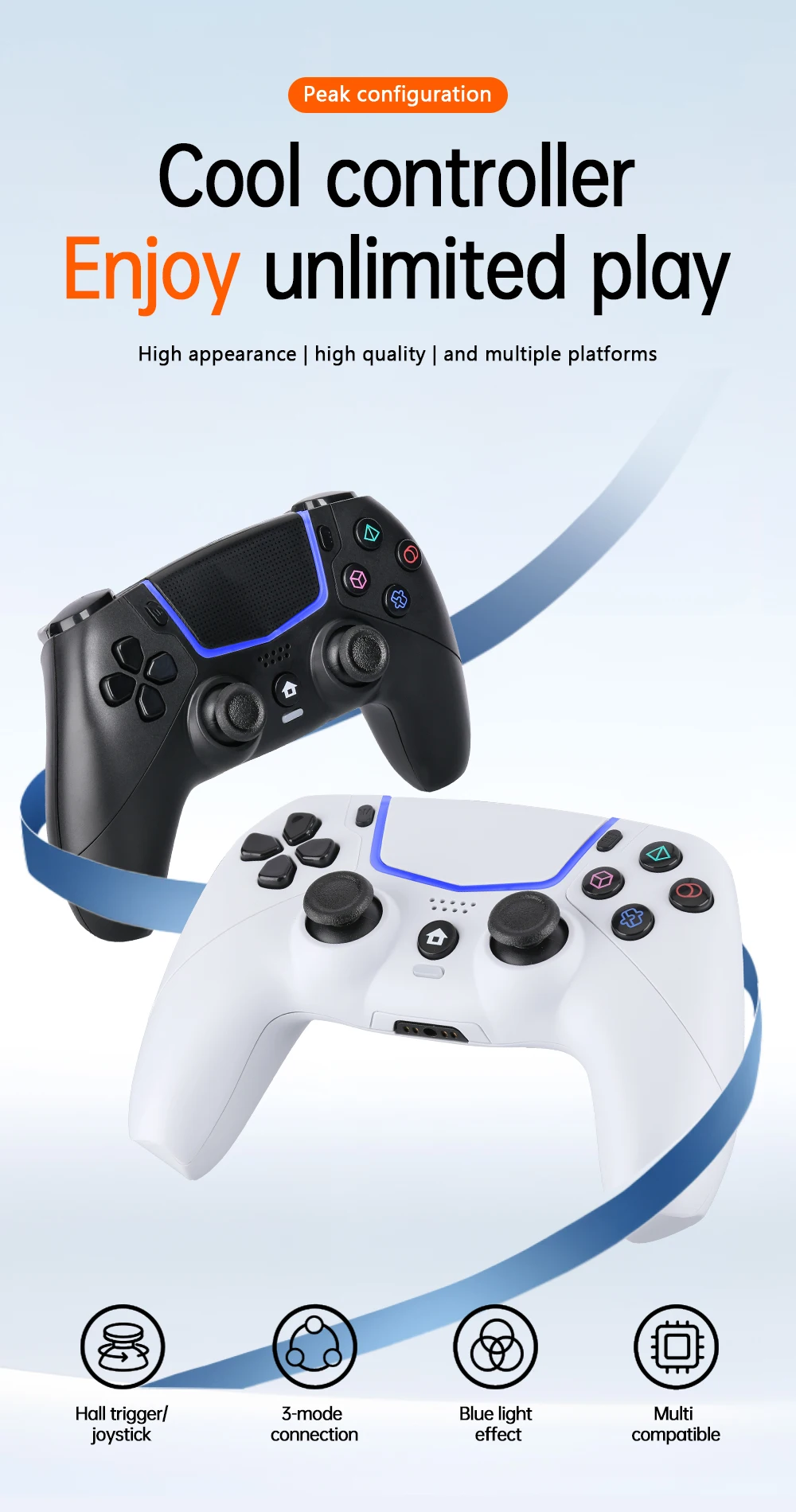
Details
This product is crafted with quality materials to ensure durability and performance. Designed with your convenience in mind, it seamlessly fits into your everyday life.
Shipping & Returns
We strive to process and ship all orders in a timely manner, working diligently to ensure that your items are on their way to you as soon as possible.
We are committed to ensuring a positive shopping experience for all our customers. If for any reason you wish to return an item, we invite you to reach out to our team for assistance, and we will evaluate every return request with care and consideration.
Shop The Full Collection


