
Batocera 39 Game TF Card For Steam Deck/GDP WIN4 Handheld Game Consoles/PC/MAC 512G With 51400+ Retro Games For PS3/PS1/WII/N64


Batocera 39 Game TF Card For Steam Deck/GDP WIN4 Handheld Game Consoles/PC/MAC 512G With 51400+ Retro Games For PS3/PS1/WII/N64
✔ I have reviewed the product version and details
SPECIFICATIONS
Application: others
Apply to: Steam Deck/WIN 600 handheld/PC/MAC
Brand Name: JMachen
Capacity: 256GB/512GB
Certification: CE
Compatible Brand/Model: None
Console Emulators: For PS3/PS2/PS1/WII/3DO/MD/N64/SNES...
Feature 1: Game TF card
Feature 2: Memory card
Feature 3: TF Card with retro games
Feature 4: TF Card For Steam Deck
Feature 5: Memory card For WIN 600
Feature 6: Plug and play
Games: 43000 games/51400 games
High-concerned chemical: None
Model Number: TF Card For Steam Deck
Origin: Mainland China
Suitable for: Windows XP/7/8.1/10/11/MAC
System: Batocera.Linux 39
Type: TF card
Video Speed Class: None
New Products
PlayZone 1TB Portable External Game SSD Handheld Game Console For Xbox/PS4/PS3/PS2/Switch Buiit-in 16000 Games For Win PC/Loptop
Notice
This TF card is not suitable for ROG ALLY. If you need a ROG ALLY game card, you can contact our customer service for customization!
Why Choose this Batocera TF Card?
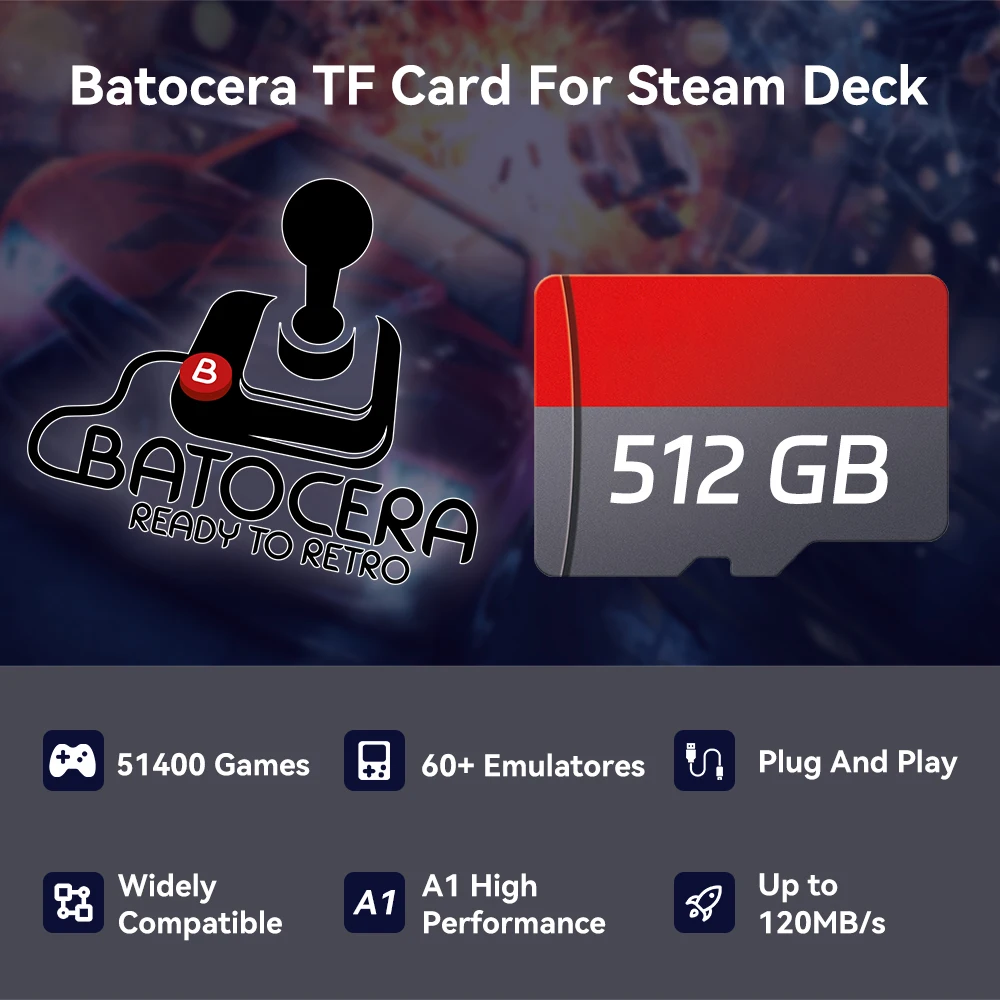
🔥Widely applicable, applicable to WIN handhelds such as Steam Deck/WIN600, WIN PC/MAC(Intel Chip)
🔥512GB large capacity, pre-installed 51400 games
🔥Compatible with 60+ console emulators, for PS3/PS2/PS1/3DO/N64...
🔥Powerful Batocera system, plug and play
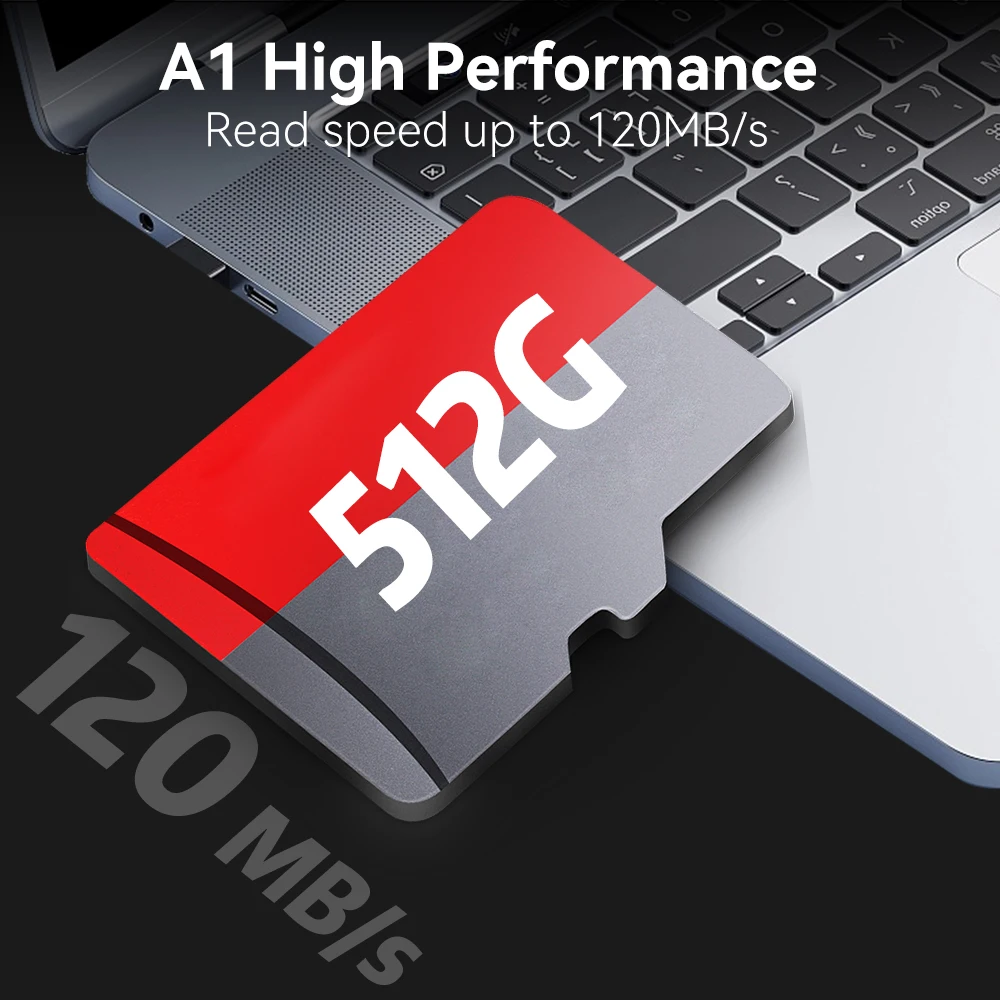
⚡A1 high performance, up to 120MB/S, fast reading speed
🎁Free Retrobat 110,000 game download resources
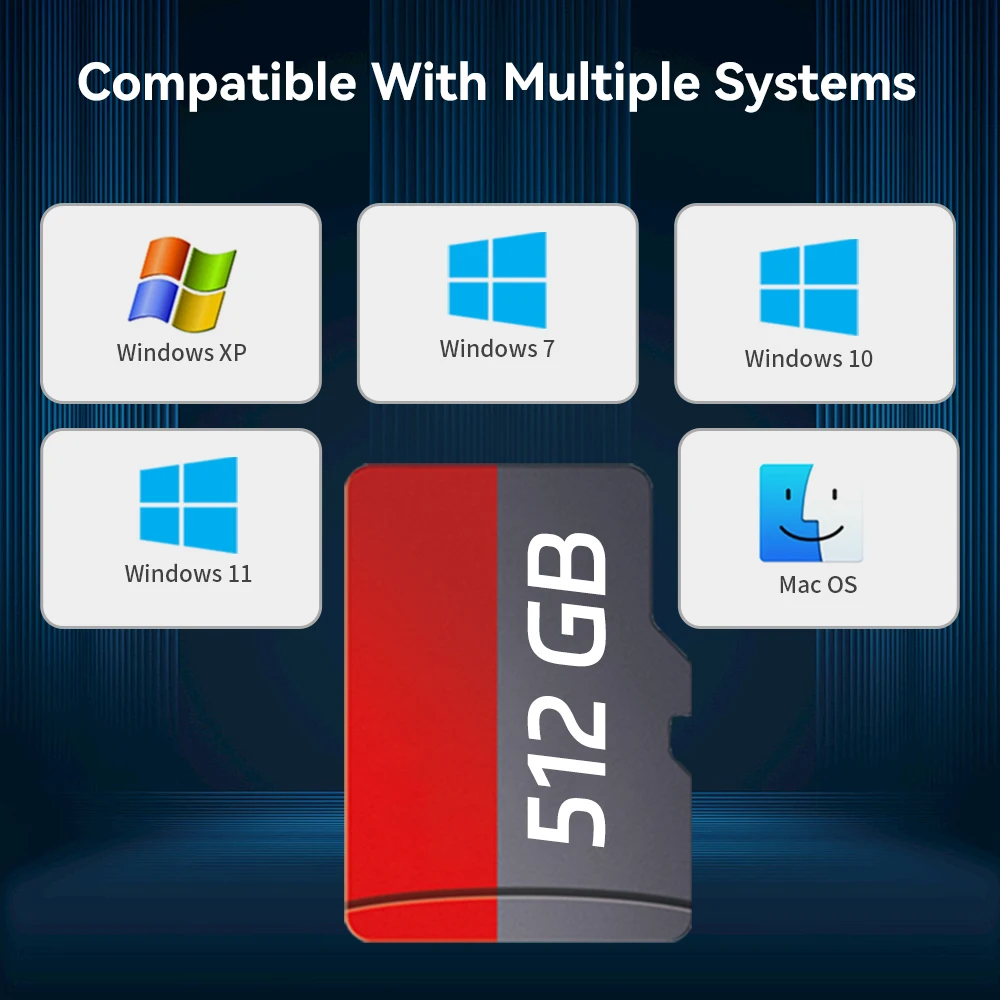
🔥Compatible with Windows XP/7/8.1/11/MAC OS
🔥Support 28 system languages
User FAQ
How does a Steam Deck user enter the Batocera system❓
❥ Method 1: Turn off the power, insert the game card into your device; first press and hold the volume ➕ do not release it in the shutdown state, press the power button at the same time and release the power button immediately, release the volume immediately after hearing the prompt tone ➕ successfully enter the bios interface
❥❥ Method 2: Press the power button once in the shutdown state and release it, and immediately press the B button to successfully enter the bios interface
❥❥❥ Method 3: Press and hold the volume button ➖ and do not release it, press the power button at the same time, release the power button, hear the prompt tone, release the volume button ➞, you will enter the system boot interface, and then press the B button to return to the bios interface
How does WIN PC/MAC user enter Batocera system❓
1. Insert the game card into your device
2. After pressing the power button, press and hold the ESC or Delete key on the keyboard to enter the BIOS. For Mac users, just hold Option and select the removable drive to boot from.
(Select Hard Drive in the boot override option, your PC will start Batocera once, and it will return to your own operating system after restarting. If you want Batocera to be the default boot option, please enter the startup page and set the mobile hard disk as the boot option #1)
Your device's BIOS interface and options may be different due to a manufacturer's unique BIOS or UEFI system. If you encounter any questions and difficulties, you are very welcome to communicate with our friendly sales staff.
What should I do if the image is displayed vertically on the screen when using it on a computer❓
Method: just call up the MAIN MENU - find the SYSTEM SETTING - find the SCREEN POTATION - change to ATUO !
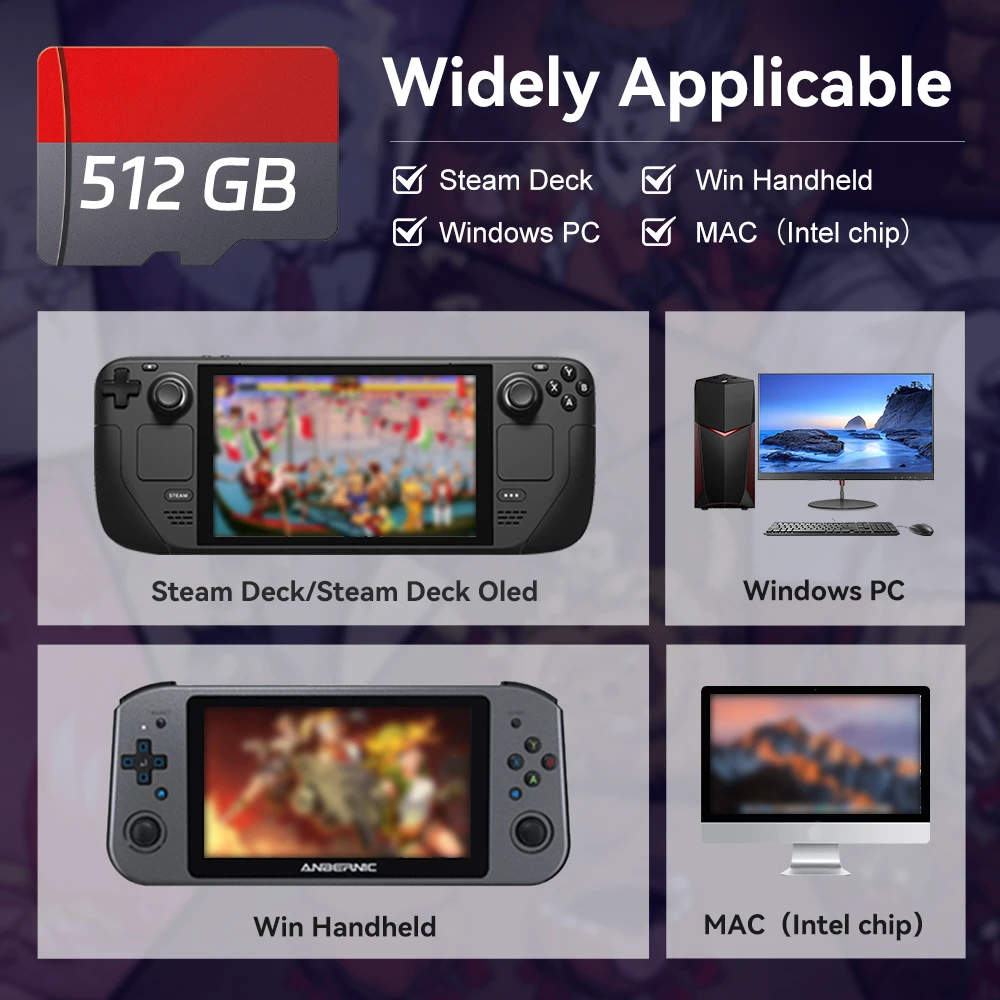
Widely Applicable
This Batocera memory card has a wide range of applicability, not only for Windows-based handhelds like Steam Deck,Steam Deck Oled and WIN600, but also for Windows-based PCs and MACs with Intel chips. If you have a handheld game console like Steam Deck, you must not miss this game card!
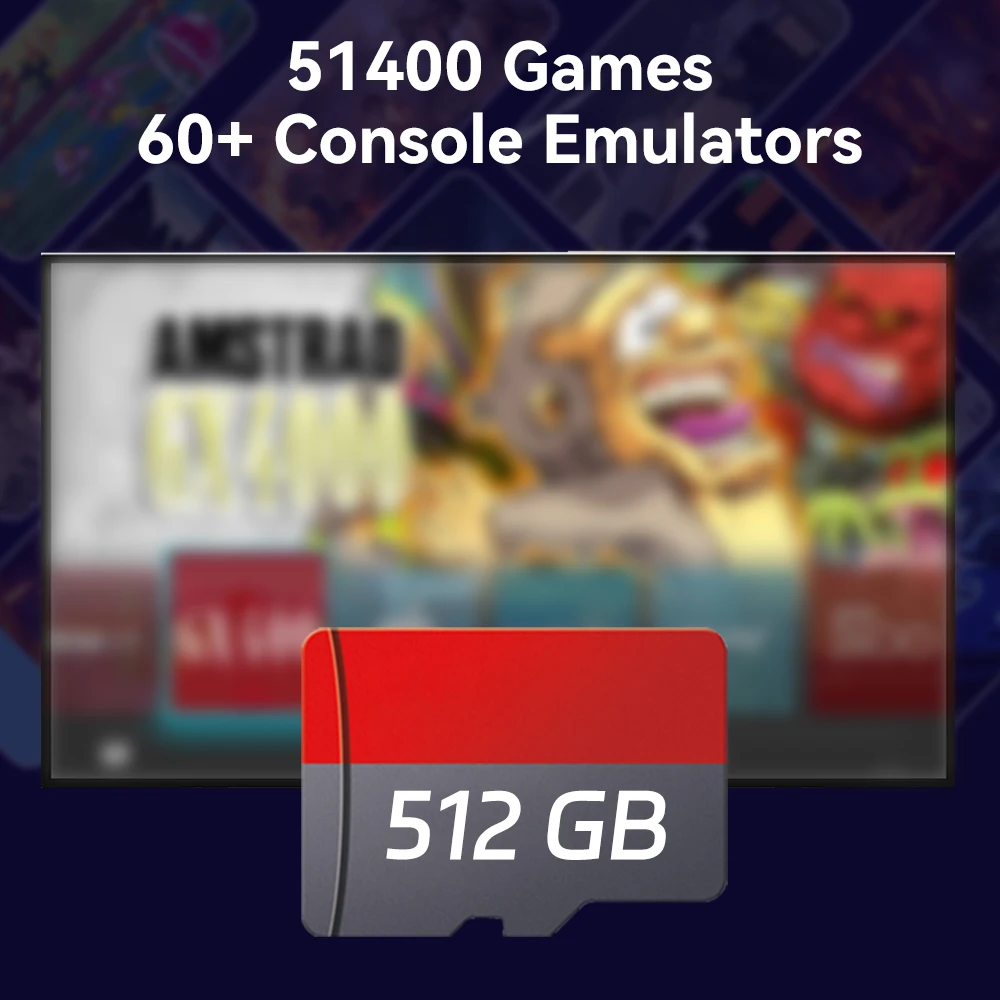
Up to 51400 Retro Games
512GB large capacity, more than 51,400 retro games pre-installed, 60+ console emulators, compatible with PS3/PS2/PS1/N64/MAME/MD, etc. Players can also add more games.
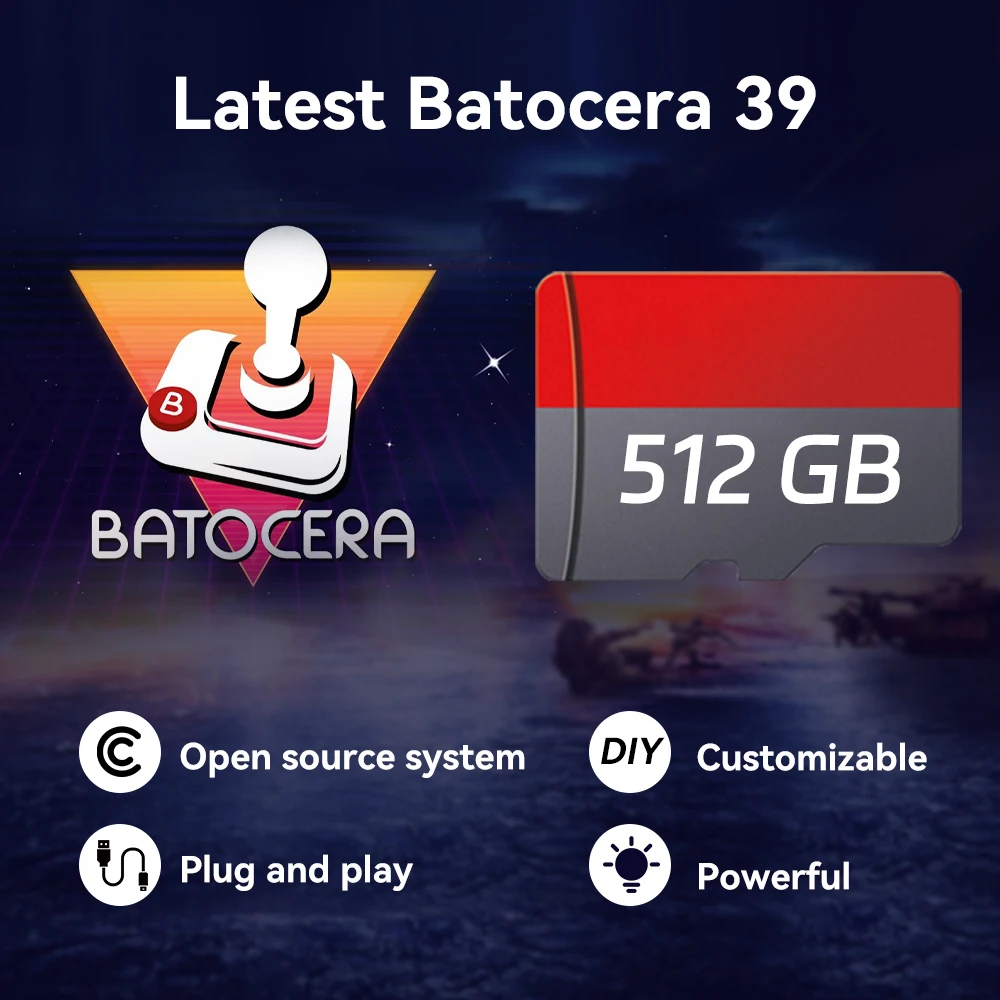
Latest Batocera 39
Powerful Batocera 39 system, plug and play, no need to download and install games. Support players to save and load game progress, better game experience.
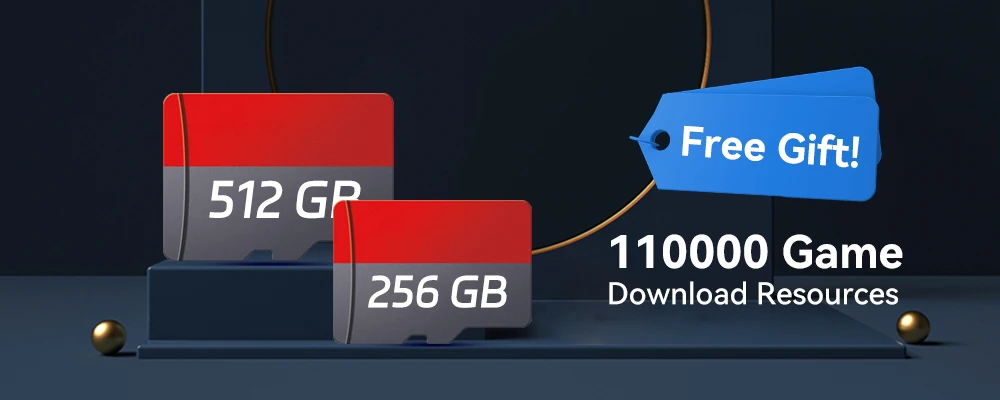
🎁 Get 110,000 Game Download Resources for Free!
No matter which specification game card you buy, you can get our 110,000 game download resources worth $39.9! take it quickly
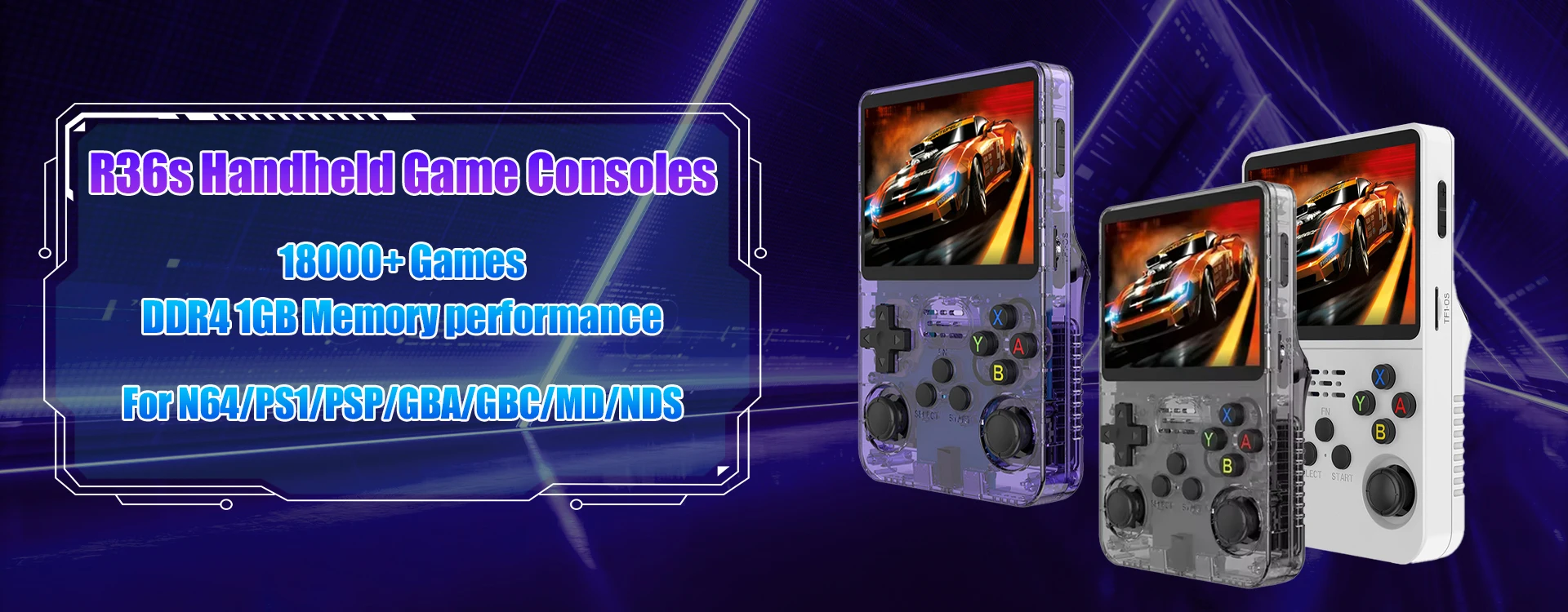
R36s Handheld Game Consoles
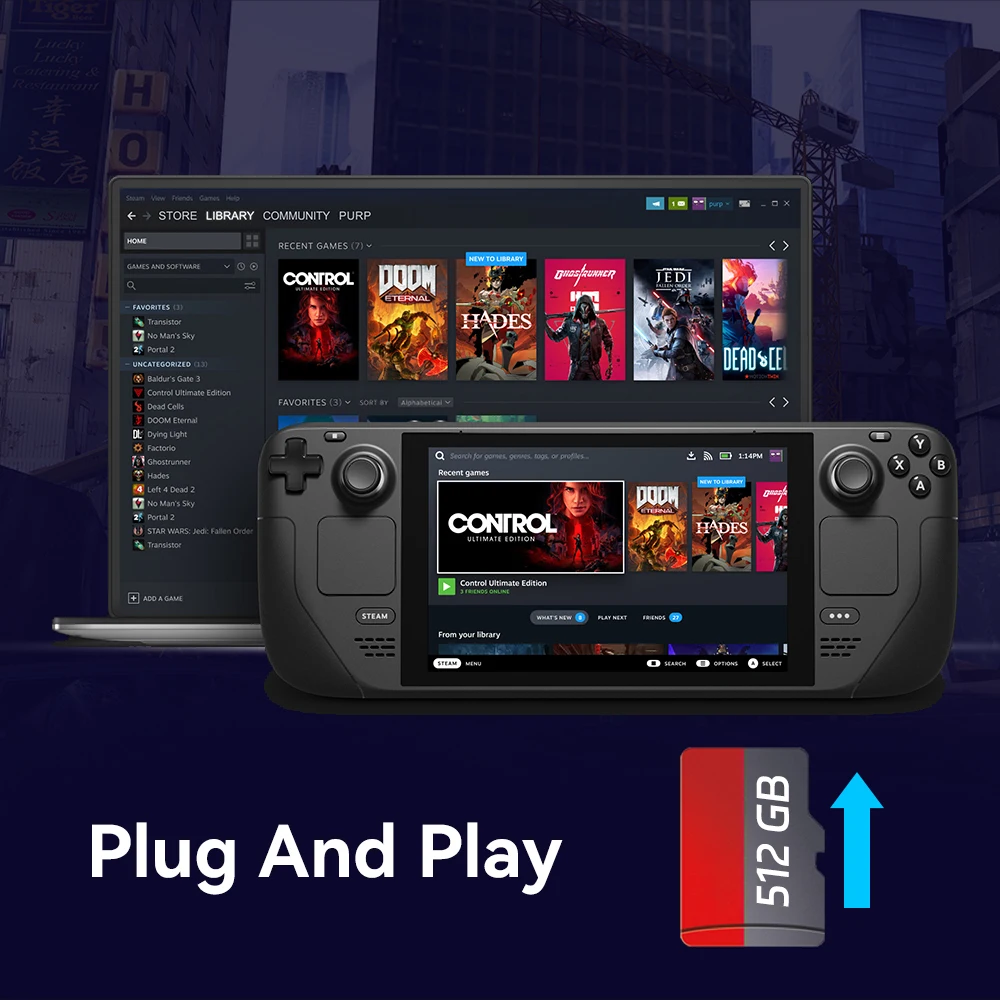
Just Plug And Play!
No need to download and install games, just plug and play, plug in your Steam Deck handheld game console, and start your game time!
Compatible with Multiple Systems
Compatible with multiple systems, compatible with Windows XP/7/8.1/10/11/MAC OS
A1 High Performance
A1 high-performance, read and write speed up to 120MB/S, loading games faster.
Compatible with USB 3.0 Card Readers
Up to 30 Languages
Suitable for users all over the world, up to 30 system languages

Multiplayer Support
A large number of multiplayer games are included, invite your friends to pick up and enjoy retro games together.

Customer Service:
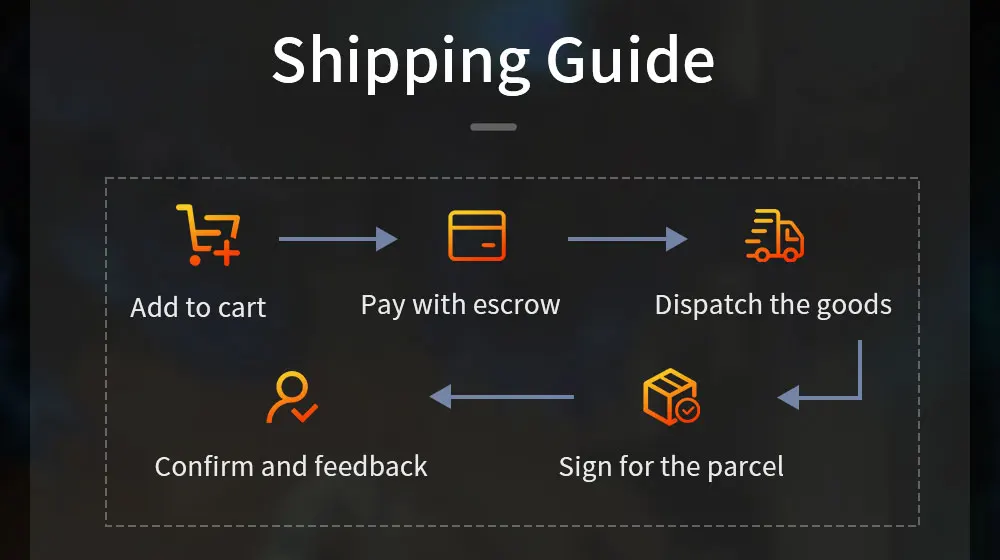
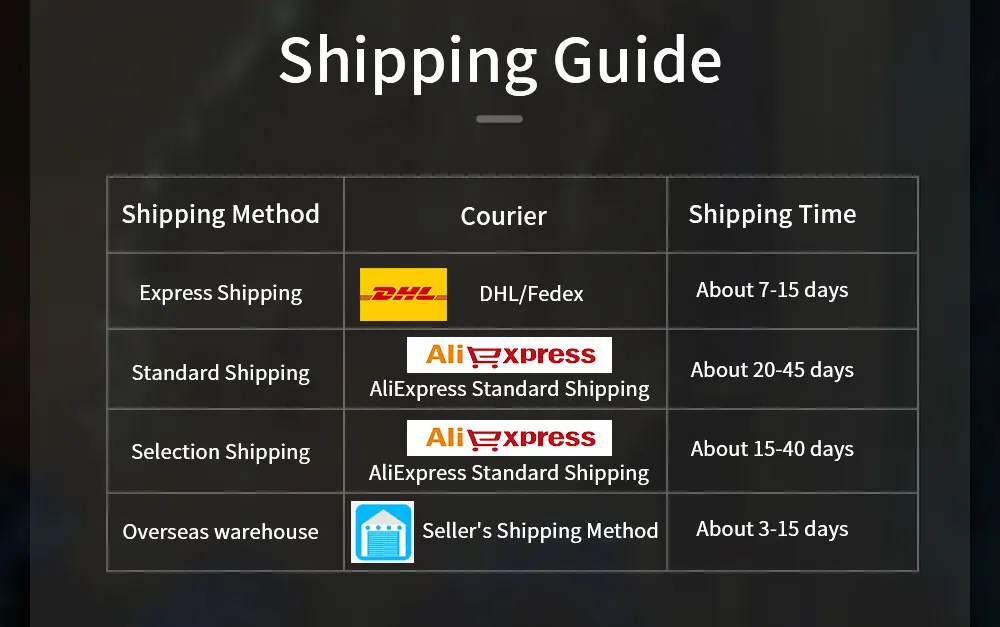
●Usually we will send out the package within 48 hours
●Contact online customer service to get the game list
●If you have any questions, you can contact us at any time
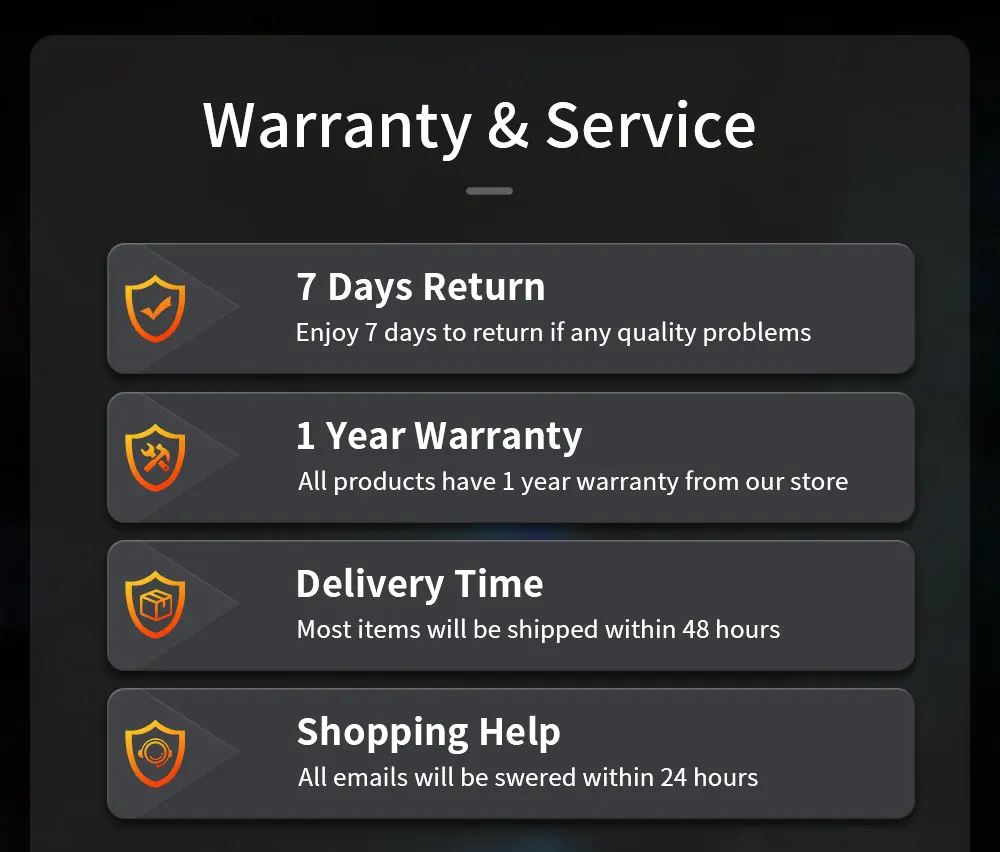
Details
This product is crafted with quality materials to ensure durability and performance. Designed with your convenience in mind, it seamlessly fits into your everyday life.
Shipping & Returns
We strive to process and ship all orders in a timely manner, working diligently to ensure that your items are on their way to you as soon as possible.
We are committed to ensuring a positive shopping experience for all our customers. If for any reason you wish to return an item, we invite you to reach out to our team for assistance, and we will evaluate every return request with care and consideration.
Shop The Full Collection


