
Retro Handheld Game Console with LCD Display, CRT Computer Model Support Network TV Box, Built-in 180 Games, 3.5 in, 180 Games
WHITE / add 8GB Flash
$184.94
Перейти к информации о продукте

Retro Handheld Game Console with LCD Display, CRT Computer Model Support Network TV Box, Built-in 180 Games, 3.5 in, 180 Games
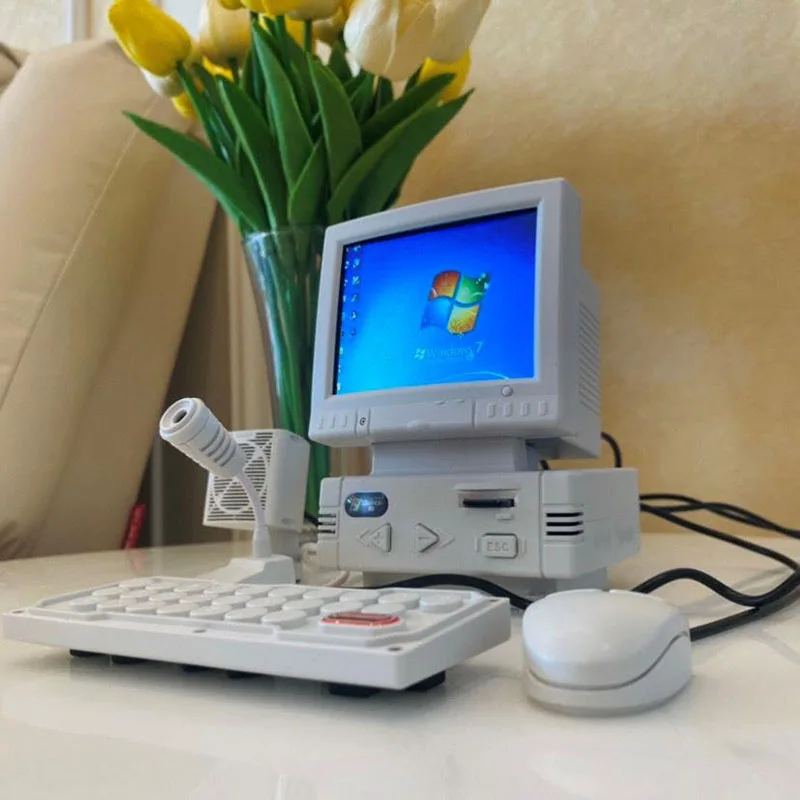
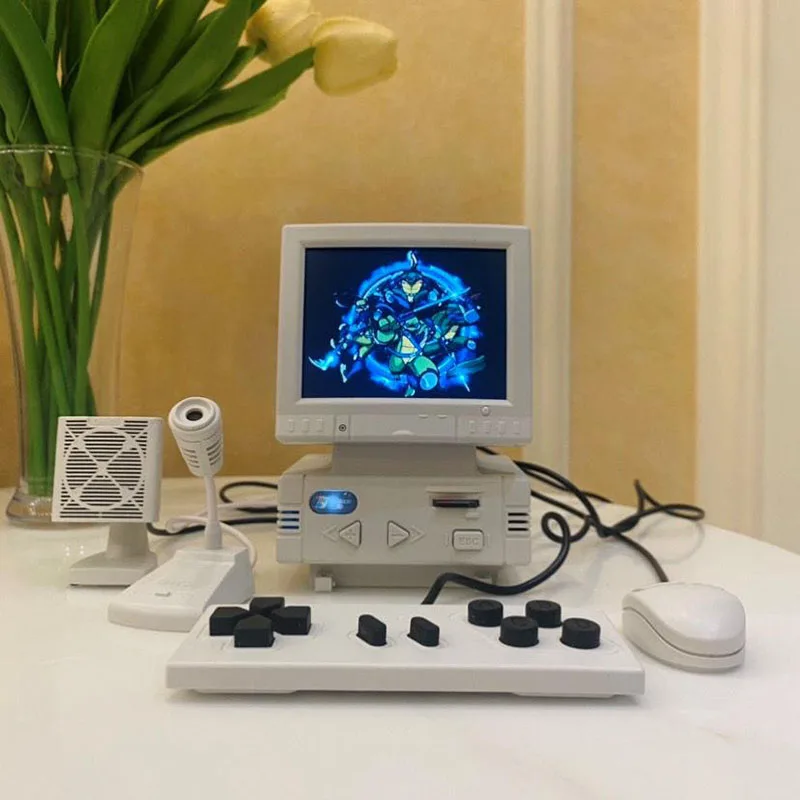
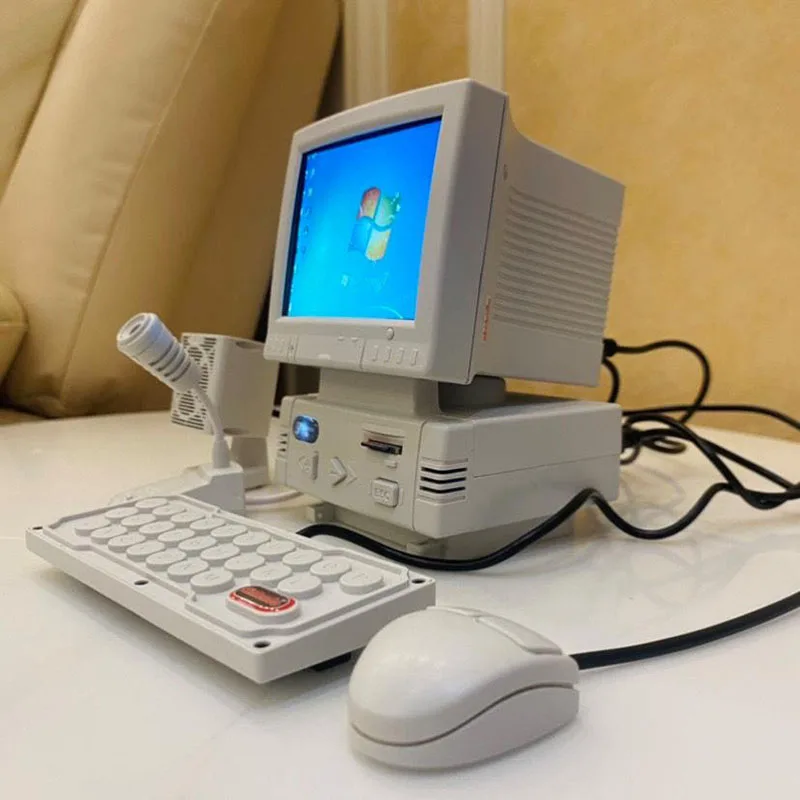
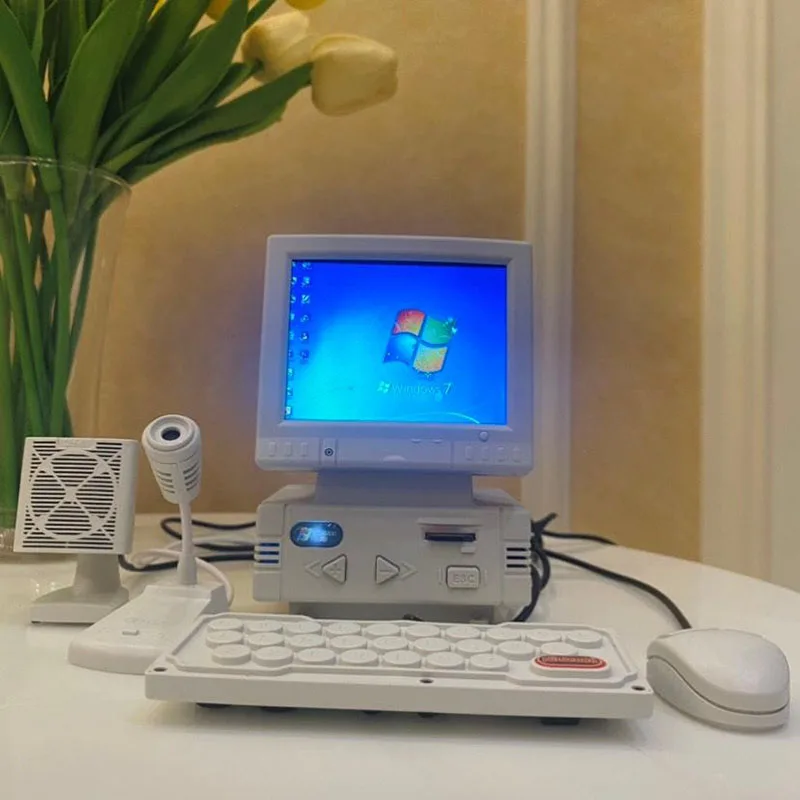
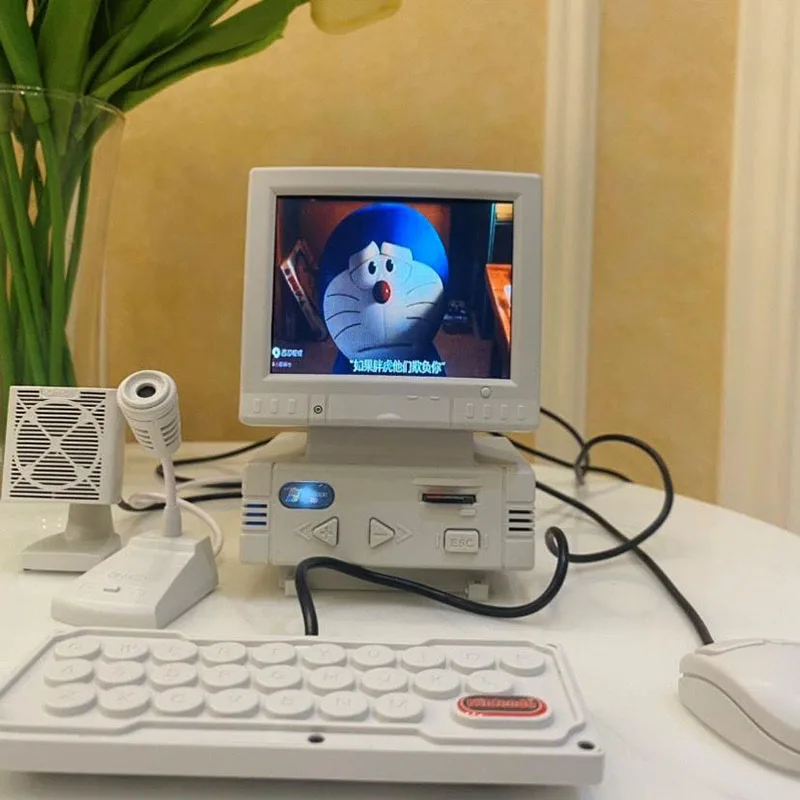
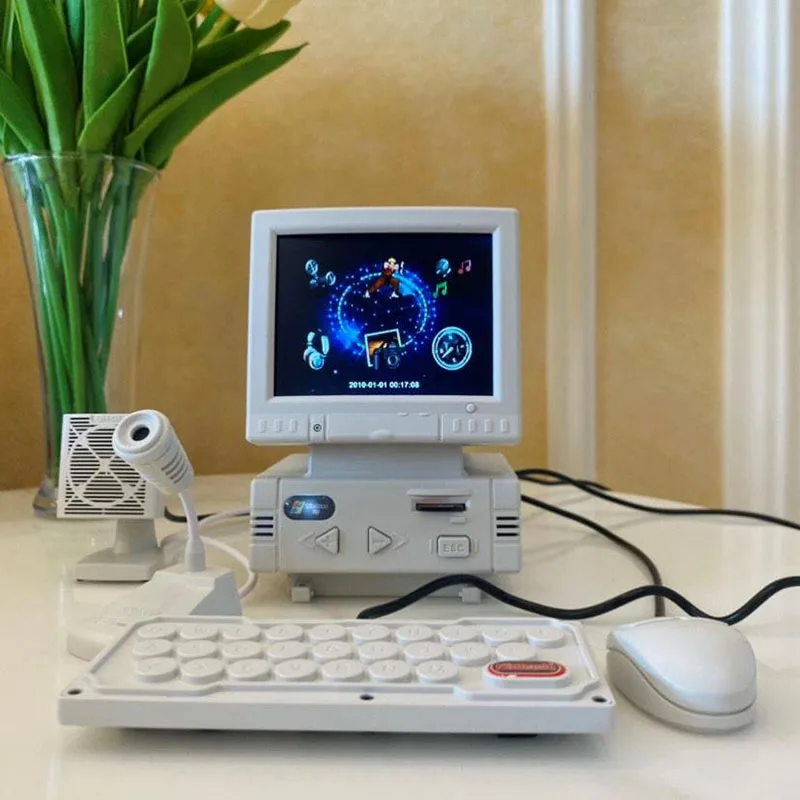
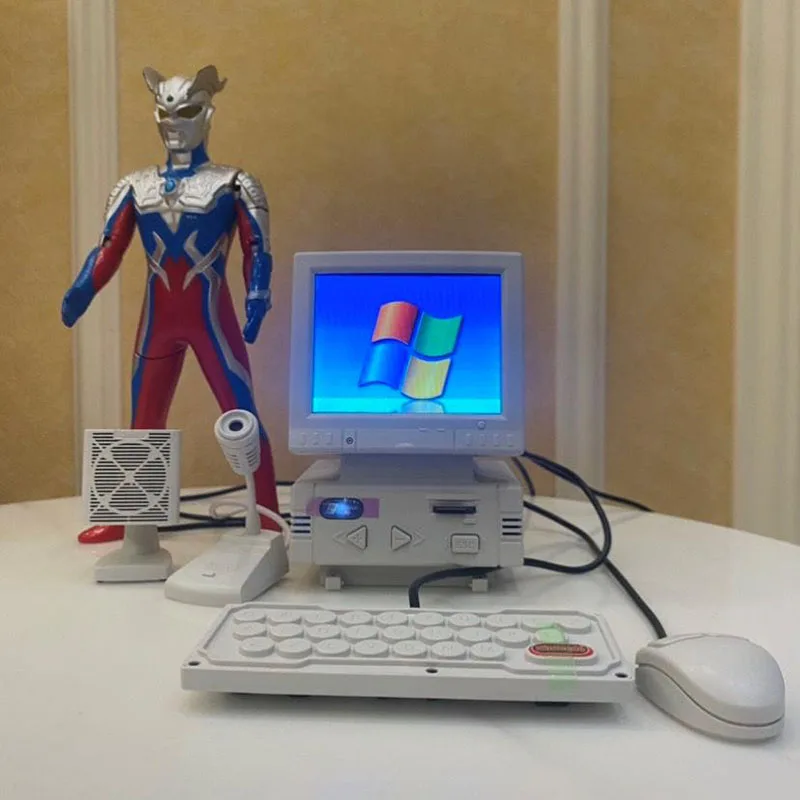
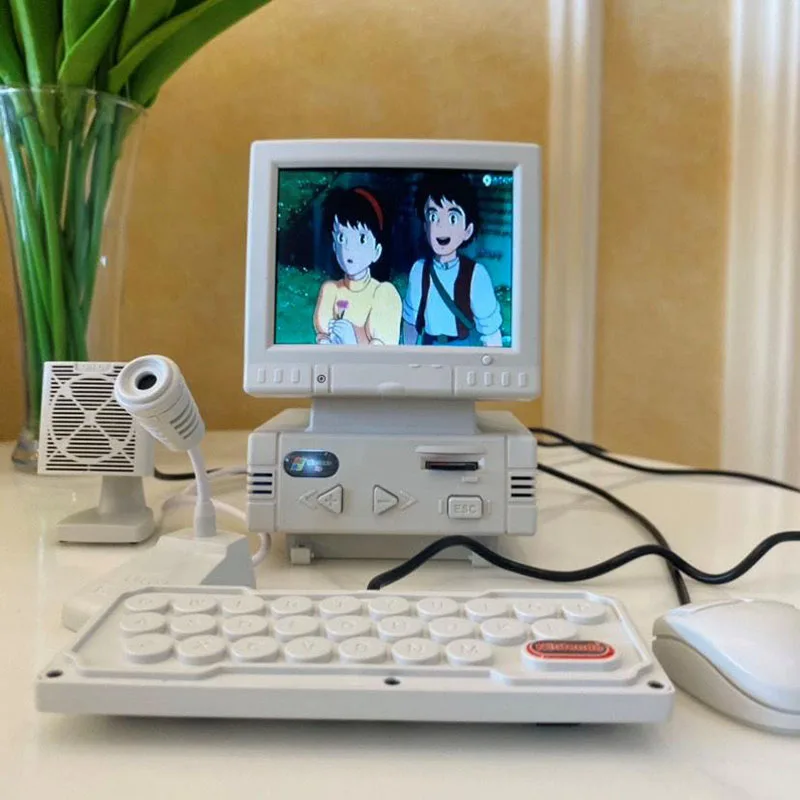

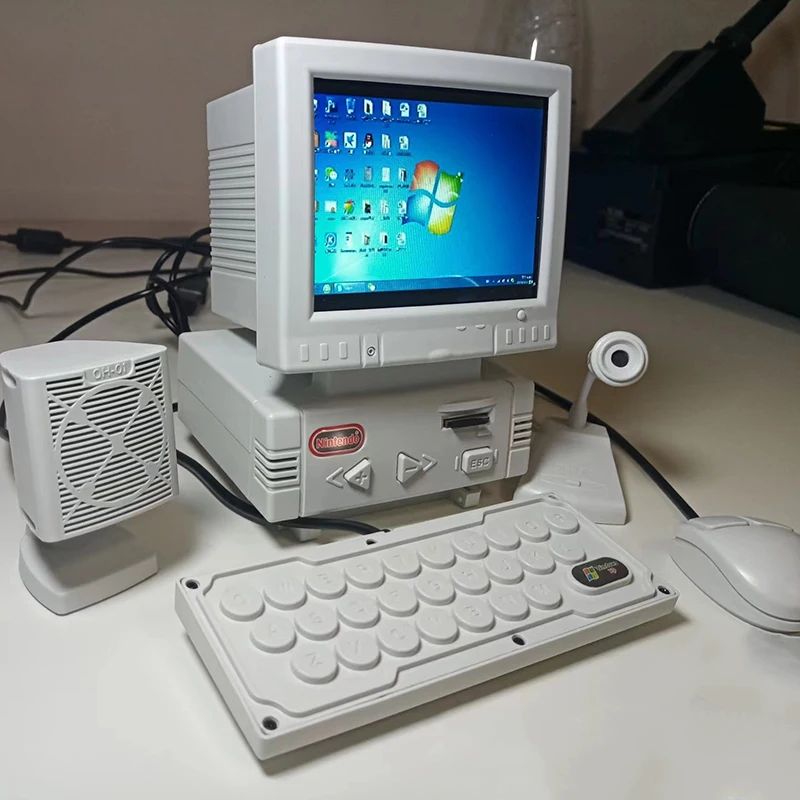
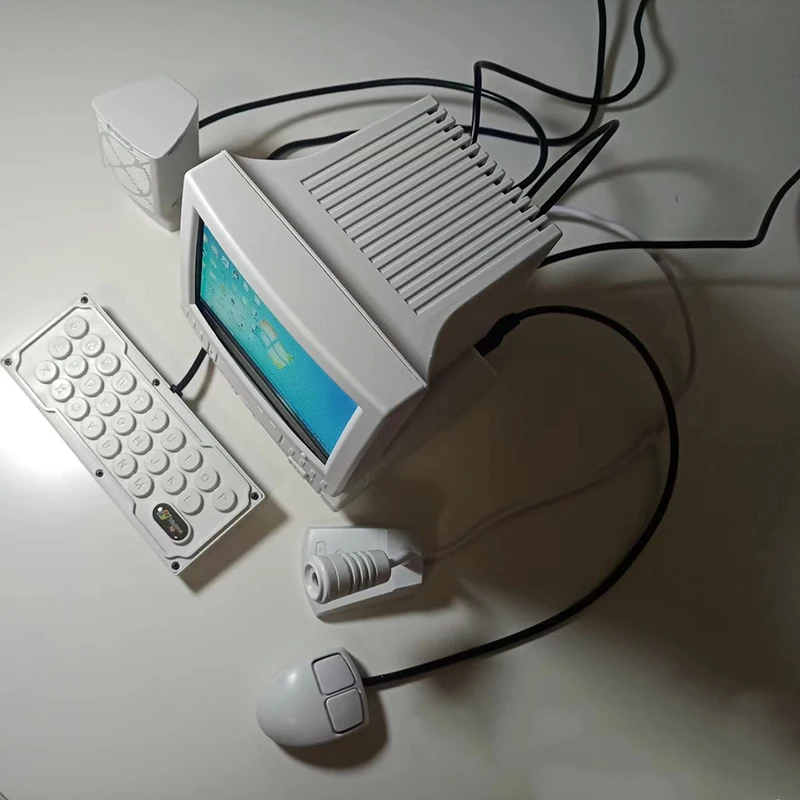
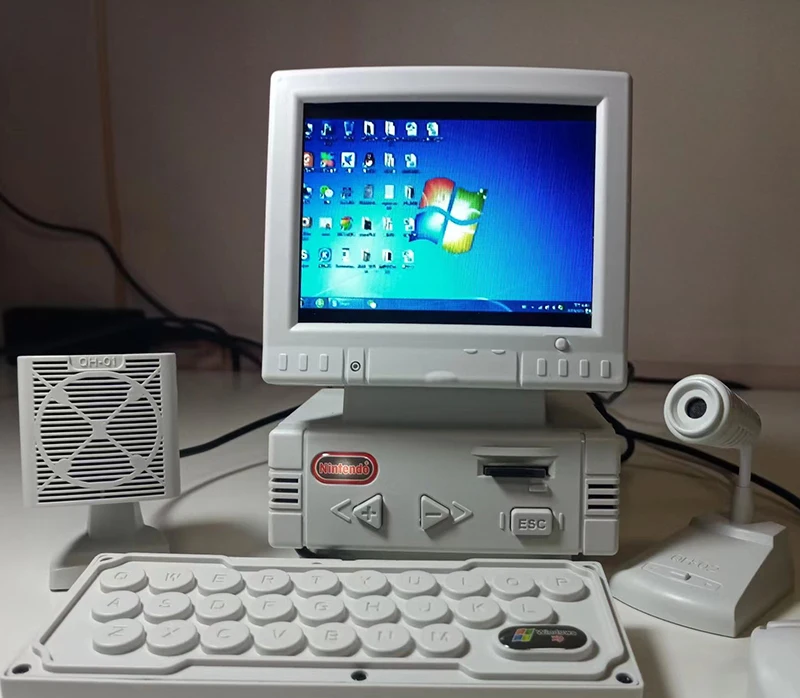


Retro Handheld Game Console with LCD Display, CRT Computer Model Support Network TV Box, Built-in 180 Games, 3.5 in, 180 Games
$184.94
Стоимость доставки рассчитывается при оформлении заказа.
SPECIFICATIONS
Adapter Type: US
Battery Included: No
Bluetooth-compatible: No
Brand Name: LIUTIANFEI
Category: Handheld Game Players
Certification: CE,FCC,RoHS
Charging Interface Type: Mini USB
Choice: yes
Color Display: Yes
Communication: USB
Display Size: 3.5"
External Controller Interface: Mini USB
Games Type: FC
Games included: 100
High-concerned chemical: None
Input/Output: AUX
Operating System: Android
Origin: Mainland China
Package: Yes
Screen Resolution: 320x240
Screen Type: LCD
Supporting Language: English,Simplified Chinese
Touch Screen: No
Type of devices: Other
WIFI: No
semi_Choice: yes
Retro Handheld Game Console with LCD Display, CRT Computer Model Support Network TV Box, Built-in 180 Games, 3.5 in, 180 Games
Keyboard (it is the handle of the game console)
Display size: 87 * 87 * 130mm
Weight of the whole set:1.5KG
Display: 3.5inch LCD
Microphone: noise reduction
Speaker: wired
Function: Cable connected TV box can watch TV and listen to music.
180 FC simulator games
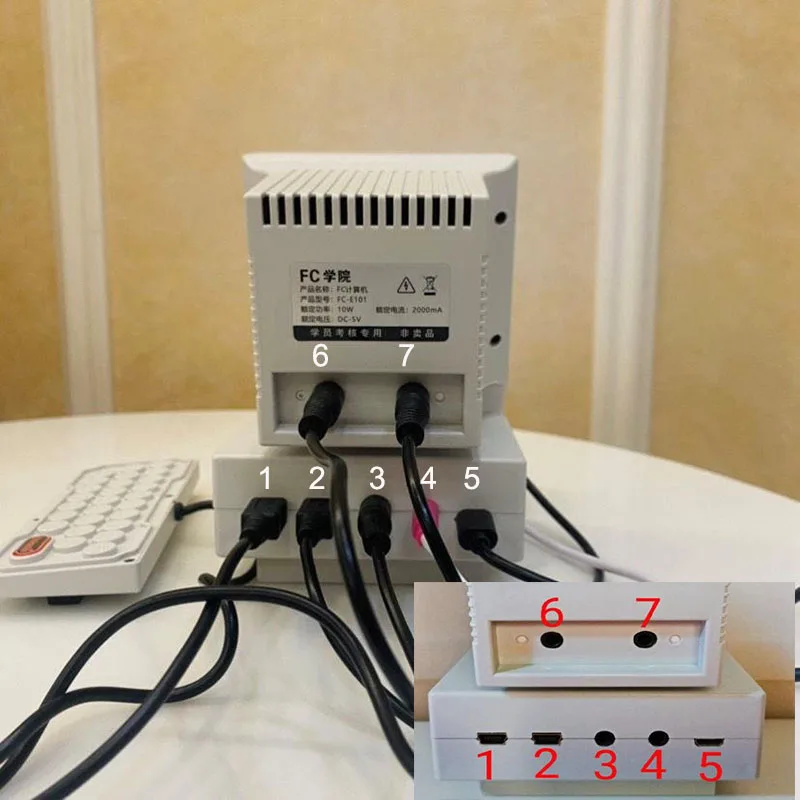
Connection description of various interfaces:
Note: Be sure to follow the illustrations and connection instructions!!!
Interface 1. Mouse input
Interface 2. Keyboard input
Interface 3. Signal output
Interface 4. Microphone input
Interface 5. Power input
Interface 6. Signal input
Interface 7. Speaker output
This product does not come with a power adapter. Please use the DC 5V/1A~2A charging head. Note: DC9V 12V and high-power fast charging are not allowed.
"Interface 3, signal output" and "Interface 6, signal input" are connected with AUX wire of 3.5mm connector.
Long press "+" to turn on the display
Short press "+": increase brightness
Long press "-" to open the game console
Short press "-": reduce brightness
ESC: Exit
Important tips for buyers---instructions
The file is in the device memory card when you connect it to the PC. You can also read the following details on the computer side.
Connect all accessories according to the wiring diagram. Use 3.5mm double head signal wire to connect the equipment interface 3 and 6. (Interface 3 is for video output, and interface 6 is for video input. If it is not connected, the display will enter the "no signal" state).Small computers use DC-5V/2A power supply. Mobile phone chargers or mobile power supplies that meet this requirement can be used. Long press "+" for three seconds to turn on the display, and short press "+" to adjust the screen brightness. Press "-" for three seconds to turn on the host. "ESC" is the exit key.
The mouse is connected to connector 1.
The keyboard is connected to interface 2.
The video output is connected to the No. 3 interface (the screen of the small computer can be projected to the home TV or display, and the signal format is AV).
The microphone is connected to connector 4. (Two channel headphones can be connected).
The power data cable is connected to the No. 5 interface (when connecting the USB interface of the home computer, it will automatically enter the data transmission mode, and it should be kept on when transferring data).
Video input is connected to port 6 (small computer can be used as mini display of other devices, such as game console, DVD, monitoring probe, etc., and the signal format is AV).
The mini speaker is connected to the 7 # connector (it can also be connected to household speaker equipment).
The two mouse buttons are Volume Up and Volume Down.
The keyboard function keys from left to right are: direction key (up, down, left, right), selection key, OK key, key A, key B, key C, key D. When entering the function, press the C key as the exit shortcut key. When entering the video playback, the direction key is fast forward and the direction key is fast backward. The selection key is the video directory, and the confirmation key is play/pause. After entering the album, press OK and wait for 5 seconds to automatically enter the electronic photo frame function.
When the small computer is turned on, you can connect the Android data cable to the home computer to transfer data files. Note: The name of the game folder is set to: nes_ All game files in the rom should be named with letters or numbers, otherwise the file will not be recognized.
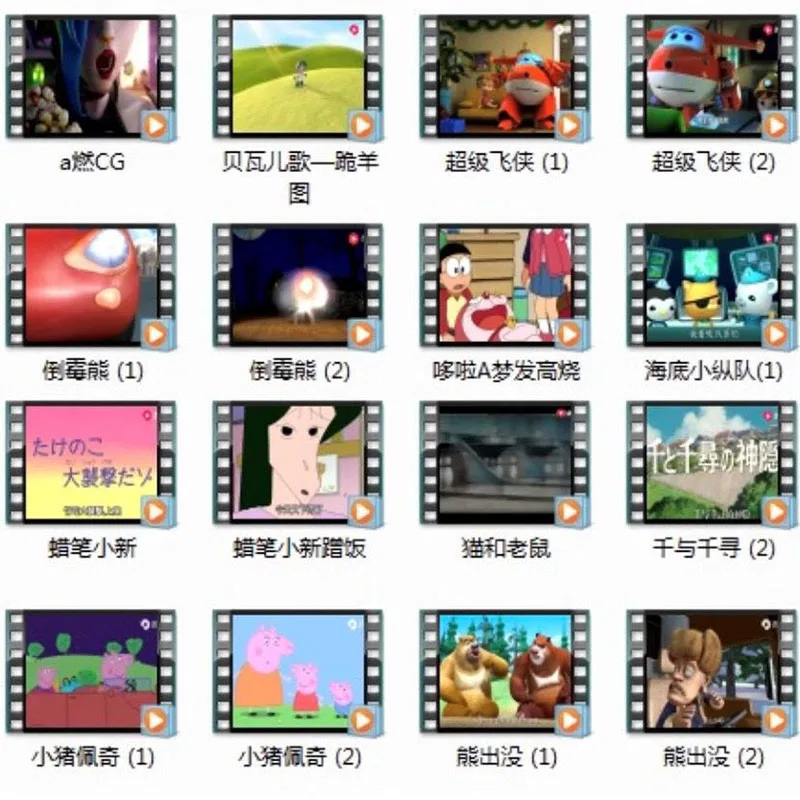
The video format of the small computer is MJPEG, the music format is MP3, the picture format is JPEG, and the game file is nes
The minicomputer is mono output. When connecting a home TV with a tri color cable, only one audio channel can be connected. If two audio channels are connected at the same time, interference, noise or damage to the built-in power amplifier chip may occur.
When connecting a small computer to a household TV karaoke song, you need to turn on the microphone function in the menu, then enter the video to play accompaniment songs, reduce the volume of the small computer to a minimum, and increase the volume of the household TV to compensate for the volume of the microphone (the higher the volume of the household TV, the higher the volume of the microphone).
The speaker and microphone base have reserved space for counterweights. It is only necessary to remove the screws on the base plate. After the counterweights are placed, they become stable. The counterweights are made of lead blocks, sandbags, etc.
In the menu, the compass icon is set, including desktop wallpaper replacement, key tone switch, time and date setting, and software upgrade (upgrade is charged).
The main hardware of the small computer is real. If the accessories are damaged or lost, they can be repaired. In case of software bugs, power off and restart.
The self provided memory card can support up to 16g (no expansion card is supported, Baidu has introduced the expansion card). If the original 8g memory card is purchased, the card contains the product manual and xnoVideoConverter software, which can convert video files in other formats to the file format used by the small computer. One key conversion, no installation required.
How to use xnoVideoConverter: create a folder and put the files to be converted into a folder. Open the xnoVideoConverter software, click the option in the upper right corner of the software to add this folder. Note: Super long movie videos need to be cut into segments, and each segment should not exceed 1.5GB.
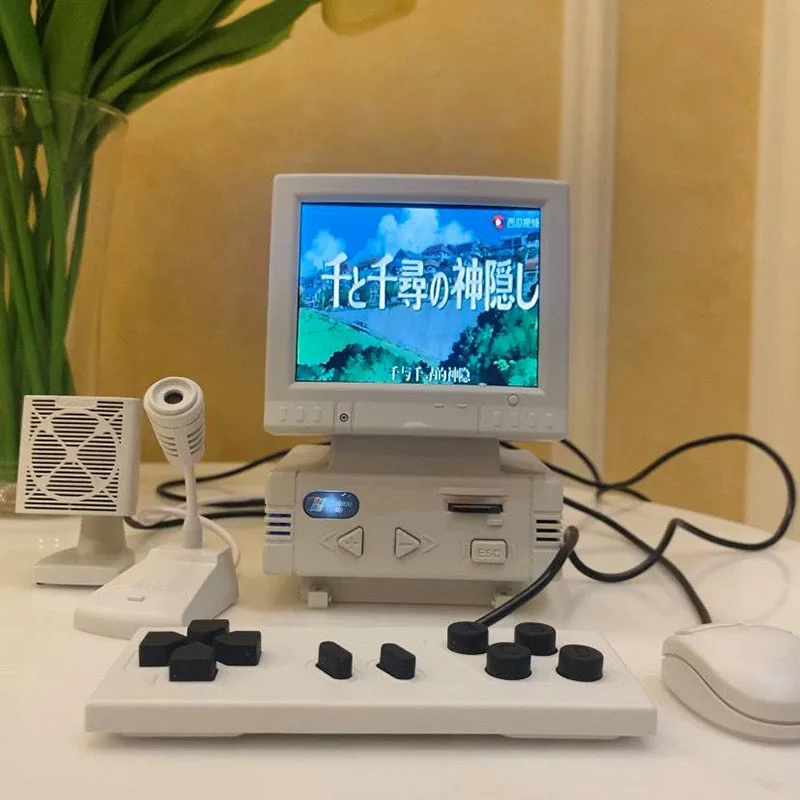
Details
This product is crafted with quality materials to ensure durability and performance. Designed with your convenience in mind, it seamlessly fits into your everyday life.
Shipping & Returns
We strive to process and ship all orders in a timely manner, working diligently to ensure that your items are on their way to you as soon as possible.
We are committed to ensuring a positive shopping experience for all our customers. If for any reason you wish to return an item, we invite you to reach out to our team for assistance, and we will evaluate every return request with care and consideration.
Shop The Full Collection


